

Alternate Image on Hover
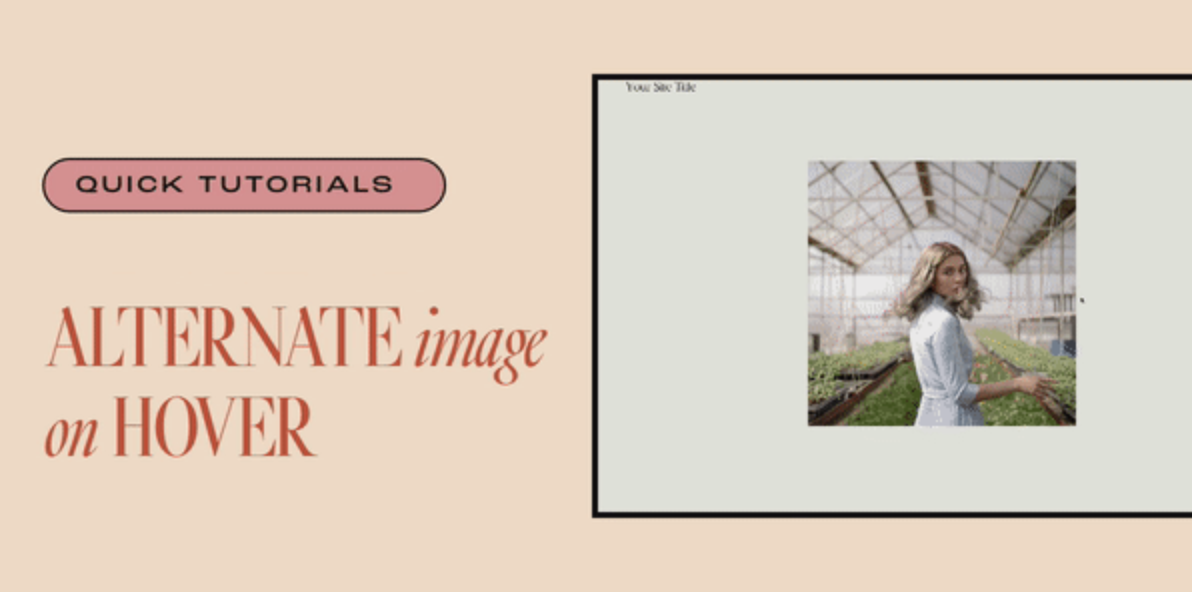
What You'll Create
An image block that reveals a different image when visitors hover over it. The alternate image fades in smoothly, perfect for showing before/after states, product variations, or revealing hidden details.
The Problem It Solves
Squarespace doesn't have a built-in way to swap images on hover. When you want to show product color options, before/after comparisons, or just add visual interest with a reveal effect, you need custom code.
Perfect For
Before/after reveals, Product color variations, Portrait to casual photo swaps, Hidden detail reveals, Interactive galleries.
What Makes This Different
You can use either of two methods depending on your section type. For classic sections, the alternate image is set via CSS background-image on a pseudo-element, triggered by a special 'hover' keyword in the image link. For fluid sections, you simply stack two images and use an alt text trigger to hide the top image on hover.
Details
Section Type: Fluid & Classic
Code Type: CSS
Prerequisites: Classic: Image with link containing 'hover', CSS background-image URL. Fluid: Two overlapping images, top image alt text containing 'hoverhide'
Toolkit Title: Alternate Image on Hover
Learn This Technique
This is one of 150+ code techniques taught inside Standout Squarespace, where you get:
The complete, copy-paste code
Video walkthrough explaining how it works
The principles behind the technique so you can customize it
Access to our private community for support