

Auto Layout Split Carousel
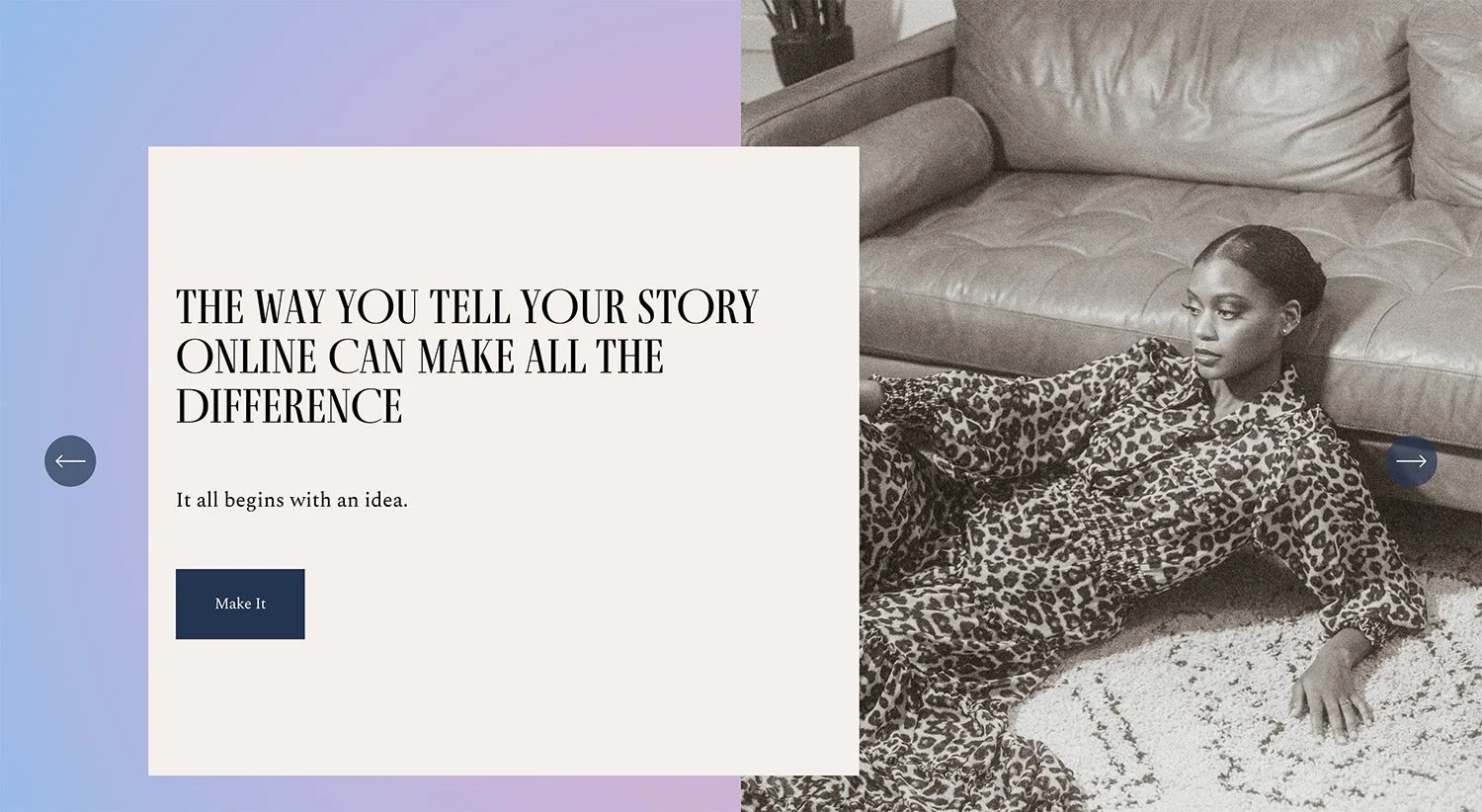
What You'll Create
Auto Layout sections transformed into carousels with split content layouts - image on one side, content with gradient backgrounds on the other.
The Problem It Solves
Default Auto Layout carousels can look plain and don't maximize the visual impact of split-screen designs. This technique creates magazine-style layouts with dramatic gradient backgrounds and flexible positioning.
Perfect For
Feature showcases, Service highlights, Hero sections, Product introductions, Editorial-style pages.
What Makes This Different
CSS transforms the Auto Layout carousel into a split design with images filling half the slide. Gradient backgrounds add visual interest to the content side. Separate mobile styles ensure the layout works responsively.
Details
Section Type: Fluid Engine
Code Type: CSS
Prerequisites: Auto Layout section set to Carousel
Toolkit Title: Autolayout Carousel
Learn This Technique
This is one of 150+ code techniques taught inside Standout Squarespace, where you get:
The complete, copy-paste code
Video walkthrough explaining how it works
The principles behind the technique so you can customize it
Access to our private community for support