

Column Divider Lines
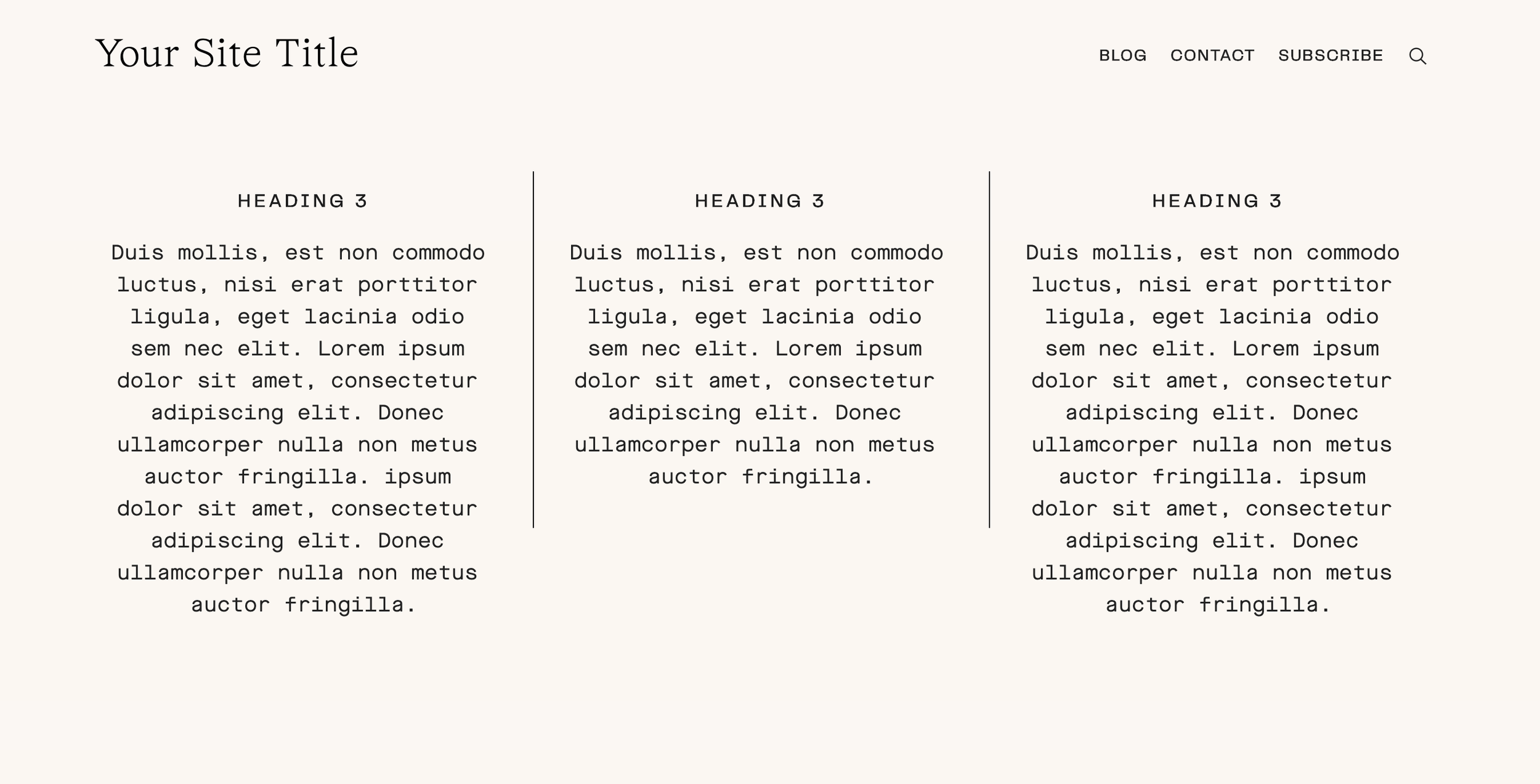
What You'll Create
Vertical lines between content columns that act as visual separators. Perfect for creating clean, editorial-style layouts where each column is clearly defined without adding extra blocks or images.
The Problem It Solves
Squarespace doesn't have a native way to add vertical divider lines between columns. You'd normally need to add image blocks or spacer blocks with borders. This technique adds clean dividers automatically between your column content.
Perfect For
Comparison layouts, Feature grids, Team sections, Pricing tables, Editorial content
What Makes This Different
This technique targets the middle column in a three-column layout and adds left and right borders automatically. The lines appear only on desktop where columns display side-by-side, keeping mobile layouts clean. Simple, lightweight code that requires no JavaScript.
Details
Section Type: Classic
Code Type: CSS
Prerequisites: Section with three columns, Section anchor ID
Toolkit Title: Column Lines
Learn This Technique
This is one of 150+ code techniques taught inside Standout Squarespace, where you get:
The complete, copy-paste code
Video walkthrough explaining how it works
The principles behind the technique so you can customize it
Access to our private community for support