

Custom Hamburger Menu Icon
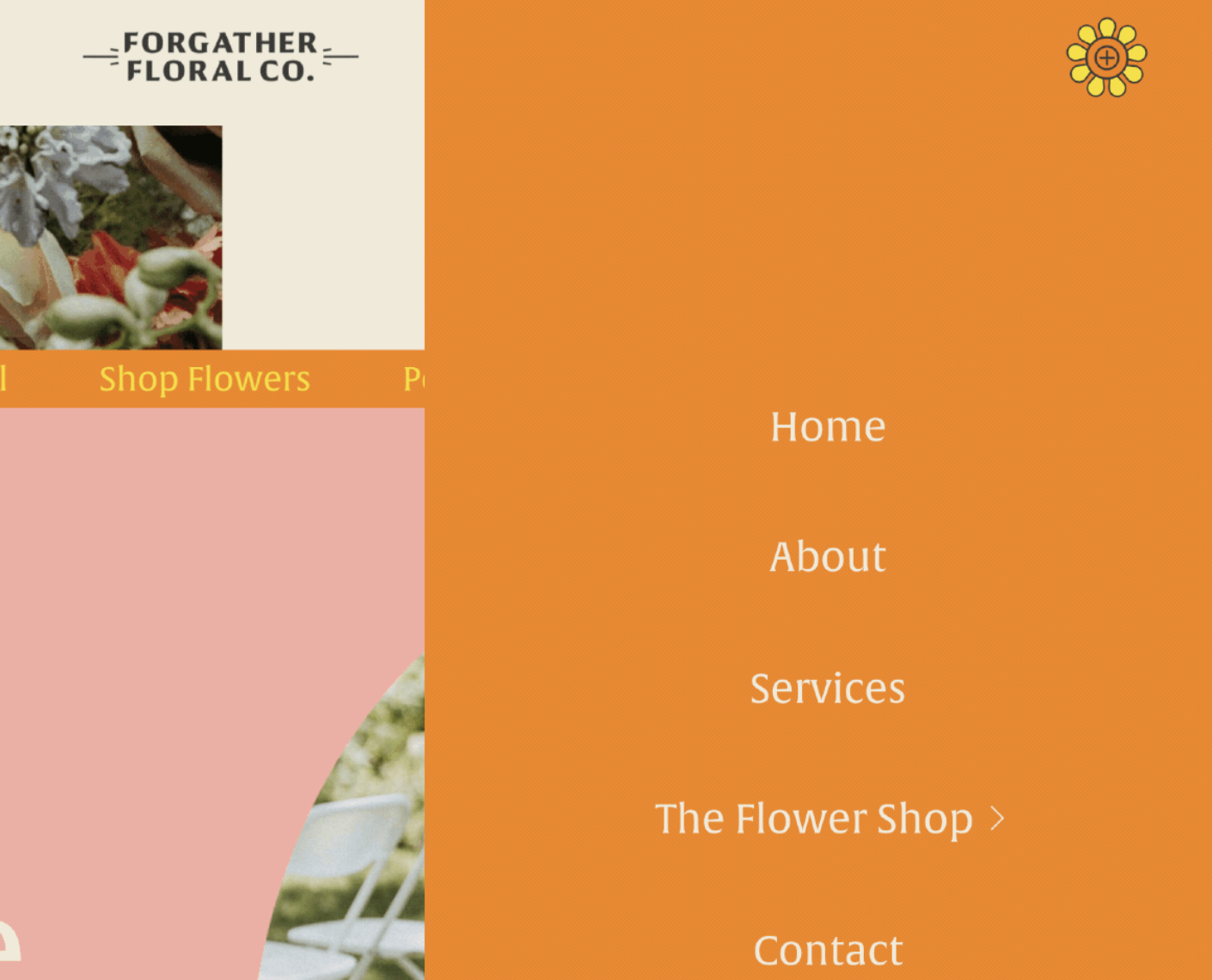
What You'll Create
Custom hamburger menu icons using your own images or SVGs instead of the default three-line burger, with different icons for open and closed states.
The Problem It Solves
The default burger icon doesn't match every brand aesthetic. This technique replaces it with custom graphics that can change when the menu opens.
Perfect For
Branded navigation, Creative portfolios, Unique menu icons, Animated menu transitions, Custom close icons.
What Makes This Different
CSS pseudo-elements overlay custom images on the burger container. Separate styles for open and closed states allow different icons for each.
Details
Section Type: Fluid Engine
Code Type: CSS
Prerequisites: Custom icon image URL
Toolkit Title: Custom Burger Icon
Learn This Technique
This is one of 150+ code techniques taught inside Standout Squarespace, where you get:
The complete, copy-paste code
Video walkthrough explaining how it works
The principles behind the technique so you can customize it
Access to our private community for support