

Custom Search Icon in Header Navigation
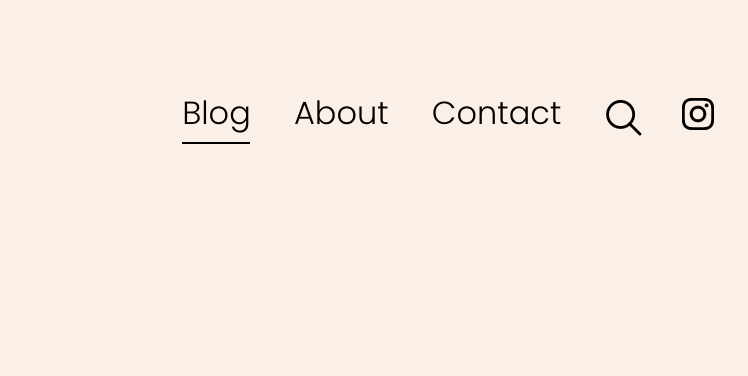
What You'll Create
A custom search icon in the header navigation using CSS pseudo-elements to replace text links with visual icons.
The Problem It Solves
Default text-based search links don't match modern icon-based navigation patterns. This technique replaces text with a custom search icon.
Perfect For
Minimal headers, Icon-based navigation, E-commerce sites, Content-heavy sites, Modern portfolios.
What Makes This Different
CSS pseudo-elements with background-image properties replace navigation text with custom SVG icons while maintaining link functionality.
Details
Section Type: Fluid Engine
Code Type: CSS
Prerequisites: Navigation link with 'search' in URL
Toolkit Title: 7.1 Search Icon
Learn This Technique
This is one of 150+ code techniques taught inside Standout Squarespace, where you get:
The complete, copy-paste code
Video walkthrough explaining how it works
The principles behind the technique so you can customize it
Access to our private community for support