

Custom Shape Block Line Accents
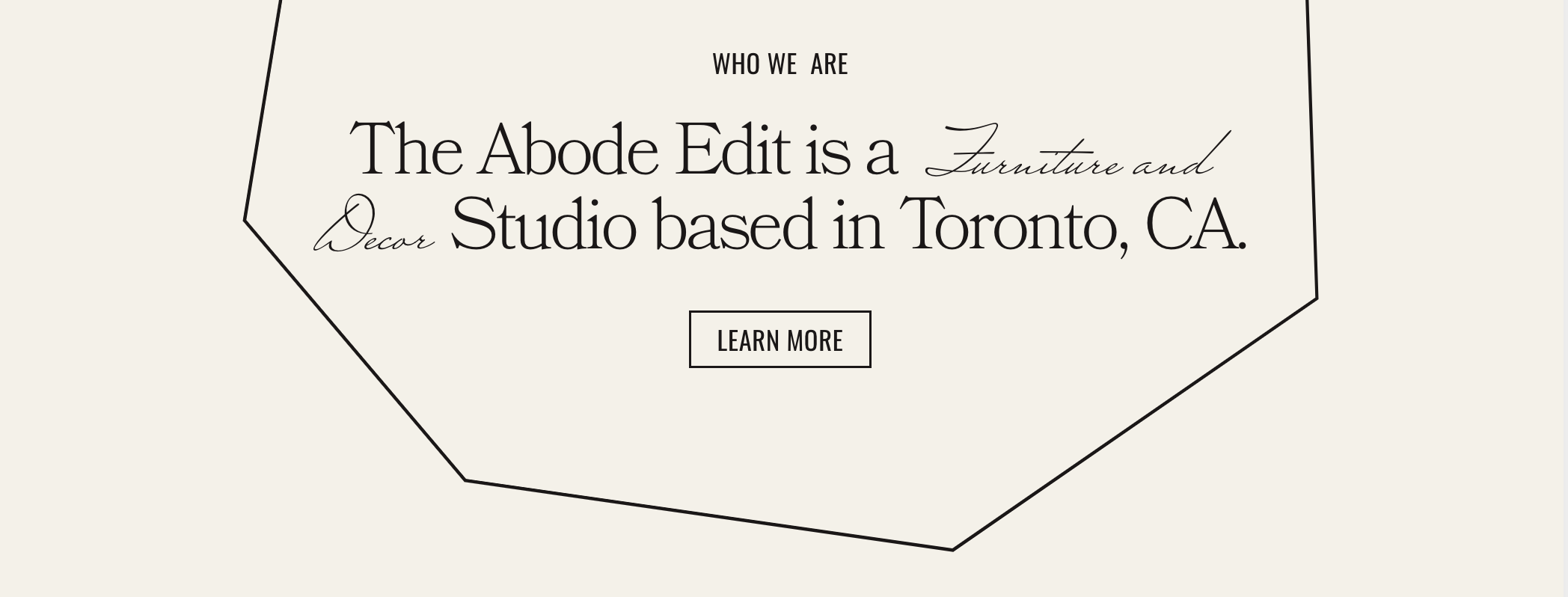
What You'll Create
Decorative line accents using shape blocks that extend beyond Squarespace's built-in shape options. Create custom zig-zag, wave, or geometric patterns that add unique visual interest to section dividers and backgrounds.
The Problem It Solves
Squarespace's shape block offers limited built-in shapes. When you need custom decorative lines or unique section dividers that match your brand, you're stuck with what's available. This technique lets you use any custom shape as a decorative accent.
Perfect For
Section dividers, Decorative backgrounds, Brand-specific patterns, Editorial layouts, Creative portfolios
What Makes This Different
This technique replaces the default shape with a custom image that acts as a mask. The shape block still uses your chosen color, but the visible pattern comes from your uploaded design. You get the flexibility of custom graphics with the easy color control of native shape blocks.
Details
Section Type: Fluid Engine
Code Type: CSS
Prerequisites: Shape block with specific shape type selected, Custom SVG mask image uploaded
Toolkit Title: Shape block line accents
Learn This Technique
This is one of 150+ code techniques taught inside Standout Squarespace, where you get:
The complete, copy-paste code
Video walkthrough explaining how it works
The principles behind the technique so you can customize it
Access to our private community for support