

Dynamic Grid Layout for List Sections
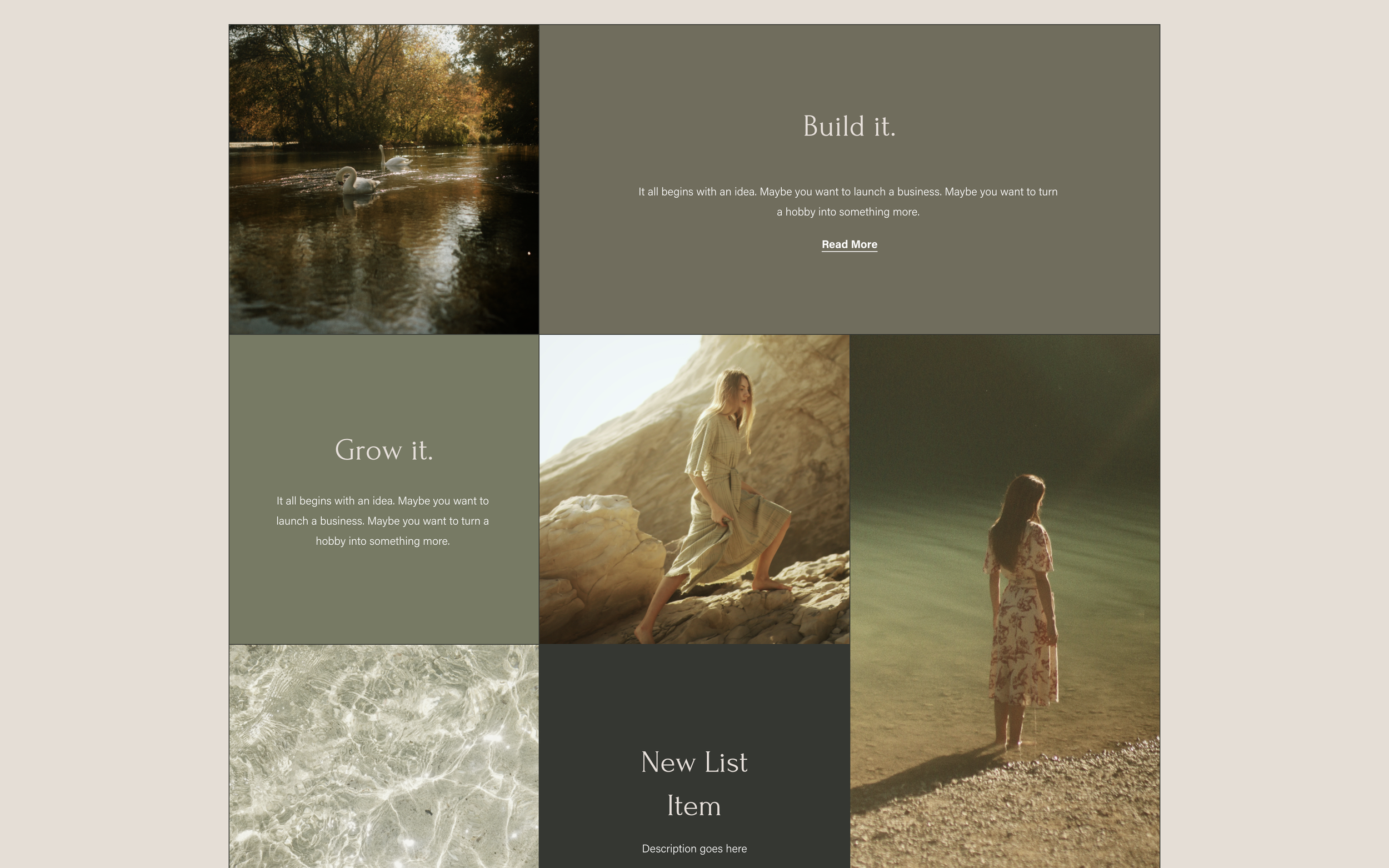
What You'll Create
A CSS Grid layout for Simple List sections with items spanning multiple columns and rows for dynamic, magazine-style arrangements.
The Problem It Solves
Default list layouts are uniform. This technique creates varied, visually interesting grid layouts with spanning elements.
Perfect For
Service showcases, Feature grids, Portfolio highlights, Team sections, Product displays.
What Makes This Different
CSS Grid with nth-child selectors allows specific items to span multiple columns or rows, with absolute positioning for content overlay.
Details
Section Type: Fluid & Classic
Code Type: CSS
Prerequisites: Simple List section
Toolkit Title: Simple List Section Grids
Learn This Technique
This is one of 150+ code techniques taught inside Standout Squarespace, where you get:
The complete, copy-paste code
Video walkthrough explaining how it works
The principles behind the technique so you can customize it
Access to our private community for support