

Editorial Header with Stacked Navigation
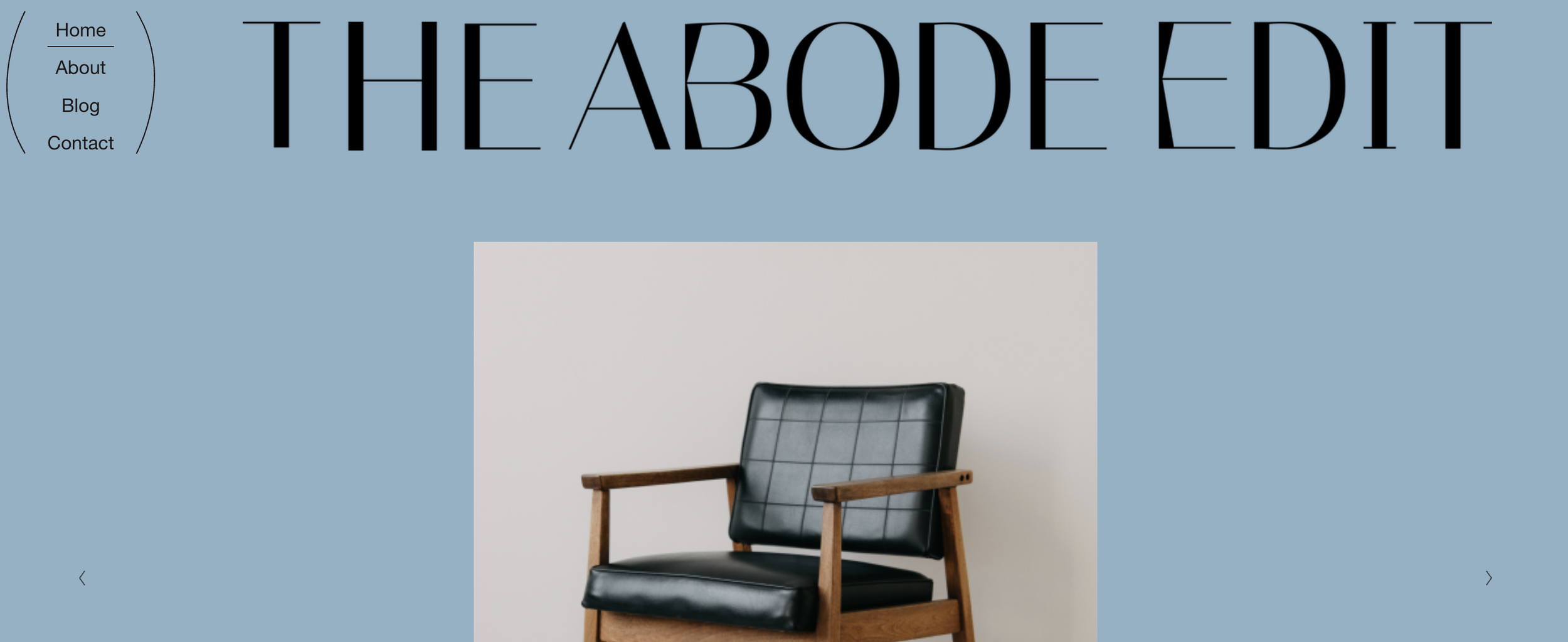
What You'll Create
A sophisticated header layout where navigation stacks vertically above a full-width logo, with decorative accent shapes flanking the nav. The result is an editorial, magazine-inspired header that makes a strong brand statement.
The Problem It Solves
Squarespace's default header options are limited — navigation is typically inline with the logo. This technique completely restructures the header to create a more dramatic, editorial feel that's perfect for lifestyle and creative brands.
Perfect For
Editorial sites, Lifestyle blogs, Magazine layouts, Creative portfolios, Brand-focused sites
What Makes This Different
This approach reorganizes the entire header structure so navigation appears above a prominent, full-width logo. Decorative accent shapes appear on either side of the nav for visual interest. The logo automatically adjusts its appearance based on your site's color theme, staying visible on both light and dark backgrounds.
Details
Section Type: Fluid & Classic
Code Type: CSS
Prerequisites: Header layout set to Nav Left, Logo image uploaded
Toolkit Title: Abode Edit Header
Learn This Technique
This is one of 150+ code techniques taught inside Standout Squarespace, where you get:
The complete, copy-paste code
Video walkthrough explaining how it works
The principles behind the technique so you can customize it
Access to our private community for support