

Flodesk Popup on Button Click
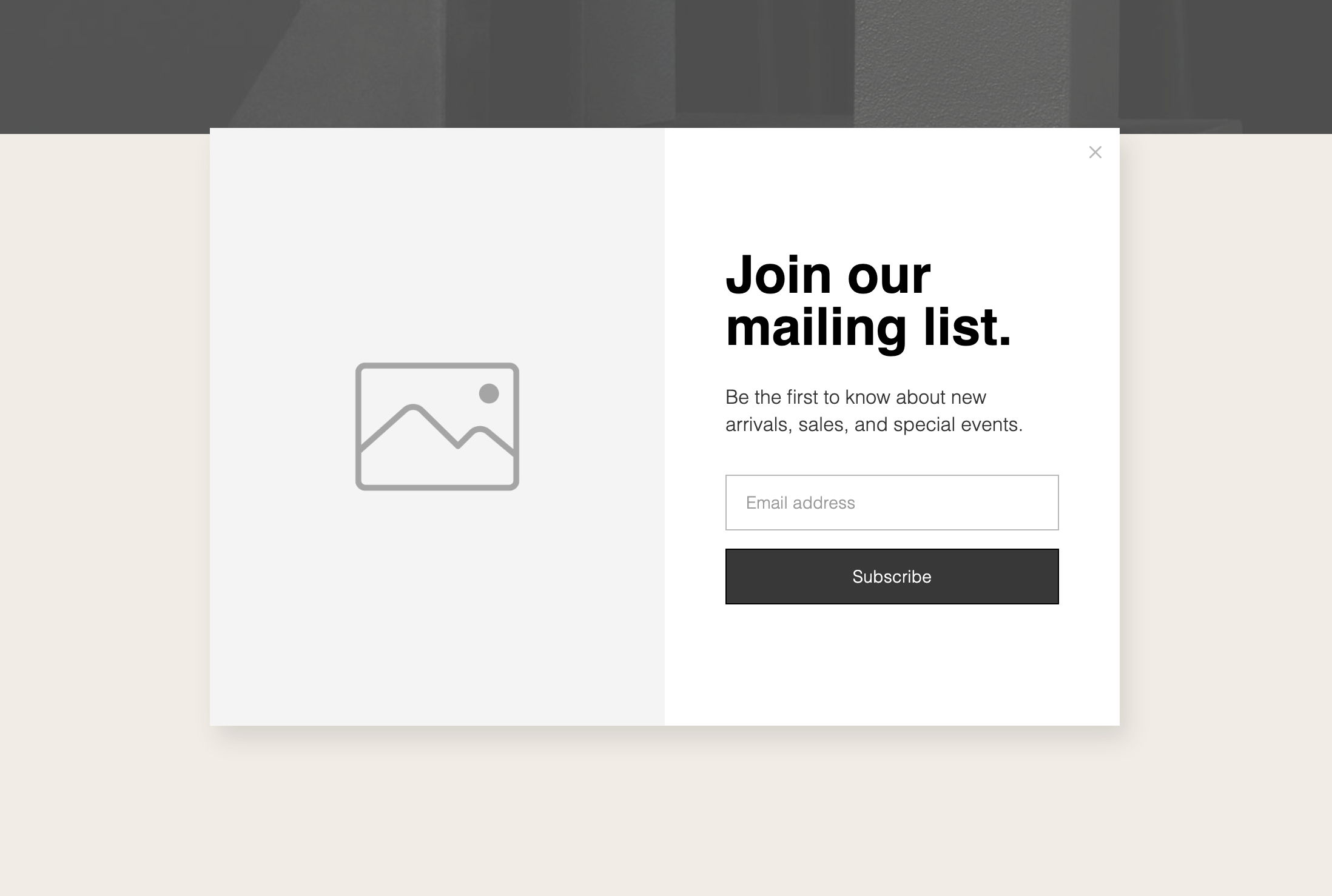
What You'll Create
A button that triggers a Flodesk popup form on click, with options for auto-triggering after scrolling a percentage of the page.
The Problem It Solves
Flodesk popups typically trigger automatically or on exit intent. This technique gives you control to show the form when visitors click a specific button, creating a more intentional user experience.
Perfect For
Newsletter signups, Lead magnets, Contact forms, Gated content, Email list building.
What Makes This Different
JavaScript initializes the Flodesk form and handles open/close states via custom events. Buttons with #flodesk URL trigger the popup. Optional scroll-based auto-trigger after 30% page scroll.
Details
Section Type: Fluid Engine
Code Type: JavaScript
Prerequisites: Flodesk account with popup form; Form ID from Flodesk
Toolkit Title: Show Flodesk Pop-up form on button click
Learn This Technique
This is one of 150+ code techniques taught inside Standout Squarespace, where you get:
The complete, copy-paste code
Video walkthrough explaining how it works
The principles behind the technique so you can customize it
Access to our private community for support