

Fully Clickable List Items
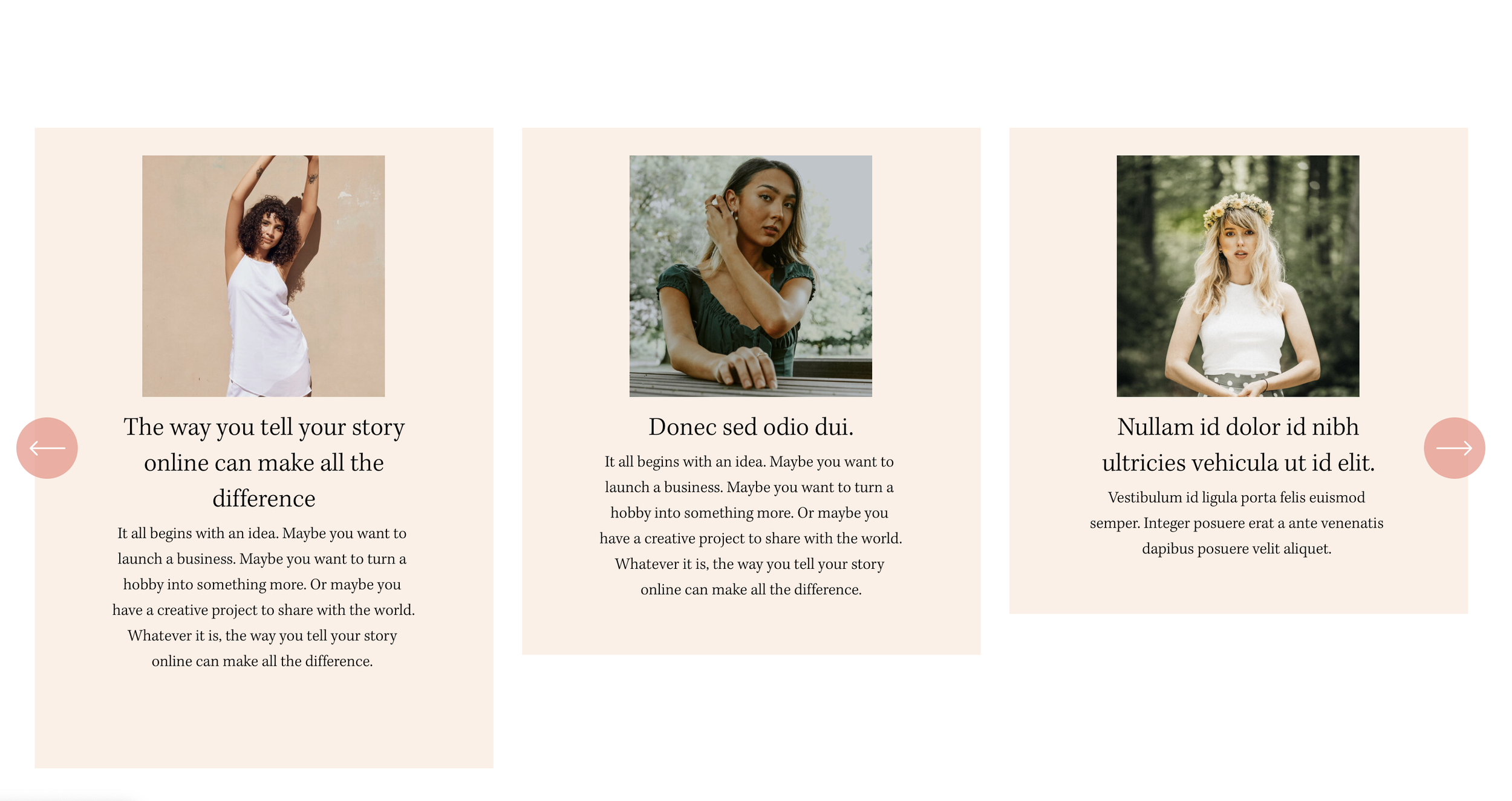
What You'll Create
Fully clickable list items where the entire card area links to the destination, not just the button text. Improves user experience by making the whole list item interactive.
The Problem It Solves
Squarespace list sections only make the button text clickable. Users have to precisely click the small button area. This technique expands the clickable area to cover the entire list item card using CSS positioning.
Perfect For
Service lists, Team sections, Feature cards, Portfolio grids, Any clickable card layouts
What Makes This Different
This technique uses a pseudo-element on the button that's positioned absolutely to cover the entire list item container. The button itself becomes invisible while maintaining accessibility. Works with carousel and simple list layouts.
Details
Section Type: Fluid & Classic
Code Type: CSS
Prerequisites: List section with buttons enabled and links added
Toolkit Title: Make List Items Clickable
Learn This Technique
This is one of 150+ code techniques taught inside Standout Squarespace, where you get:
The complete, copy-paste code
Video walkthrough explaining how it works
The principles behind the technique so you can customize it
Access to our private community for support