

Gallery Slideshow Side-by-Side Text
What You'll Create
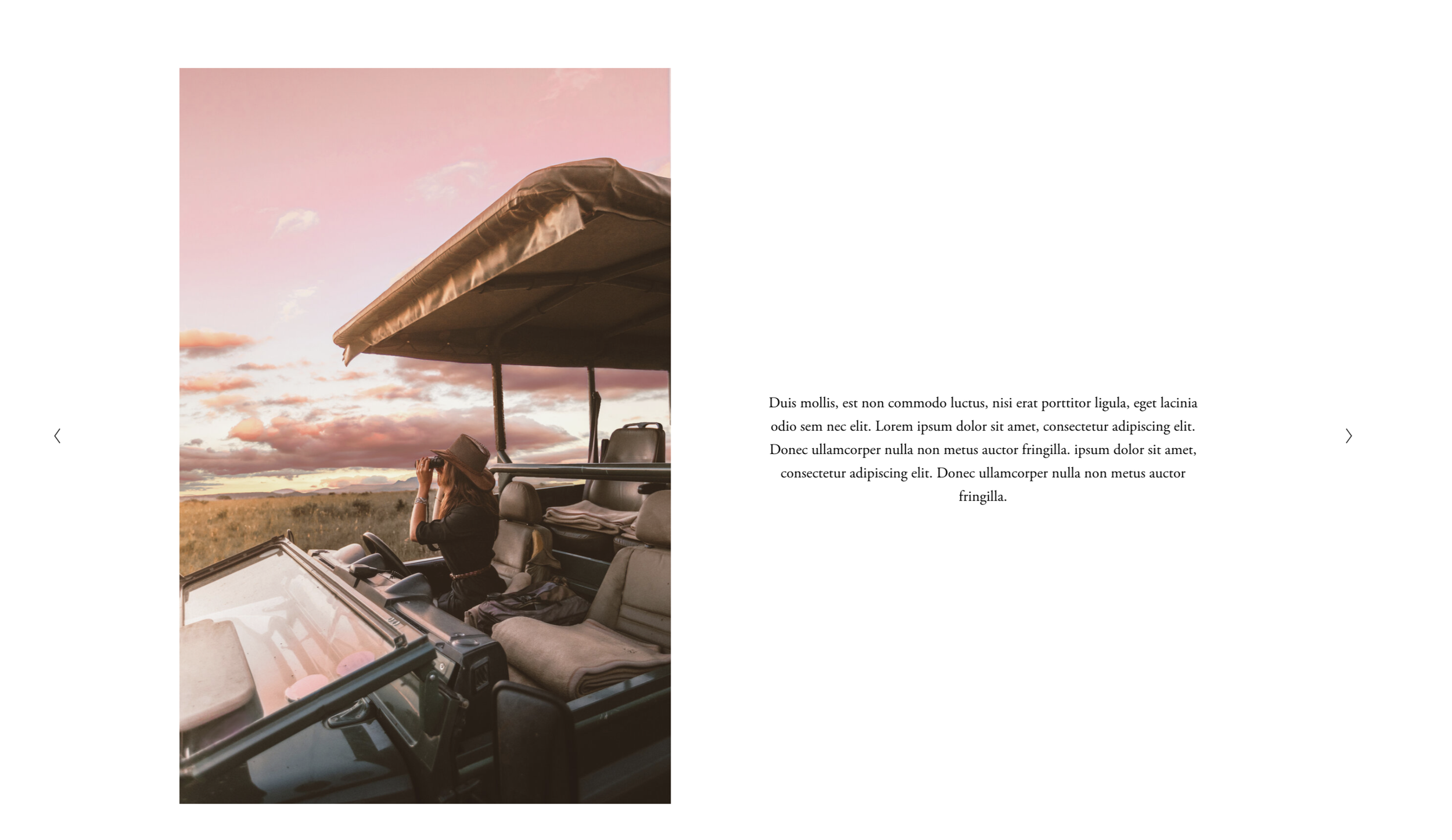
A gallery slideshow in Squarespace where images appear on one side of the screen while text content (titles, descriptions) displays alongside in a dedicated column. This creates a magazine-style split layout that gives equal visual weight to both imagery and storytelling.
The Problem It Solves
Squarespace's gallery slideshows overlay text on top of images or display captions below them. There's no native way to create a true side-by-side layout where text has its own dedicated space, which limits editorial and case study presentations.
Perfect For
Portfolio case studies, Product feature presentations, Editorial photo essays, Property listings, Service showcases
What Makes This Different
Instead of competing with the image for attention, the text gets its own breathing room in a parallel column. As visitors navigate through slides, both the image and text update together. This creates a presentation-like experience where each slide tells a complete story with both visual and written content given equal prominence.
Details
Code Type: CSS
Prerequisites: Gallery section with Slideshow layout, Gallery captions enabled
Toolkit Title: Gallery Slideshow in 7.1
Learn This Technique
This is one of 150+ code techniques taught inside Standout Squarespace, where you get:
The complete, copy-paste code
Video walkthrough explaining how it works
The principles behind the technique so you can customize it
Access to our private community for support