

Go to Cart Button on Product Page
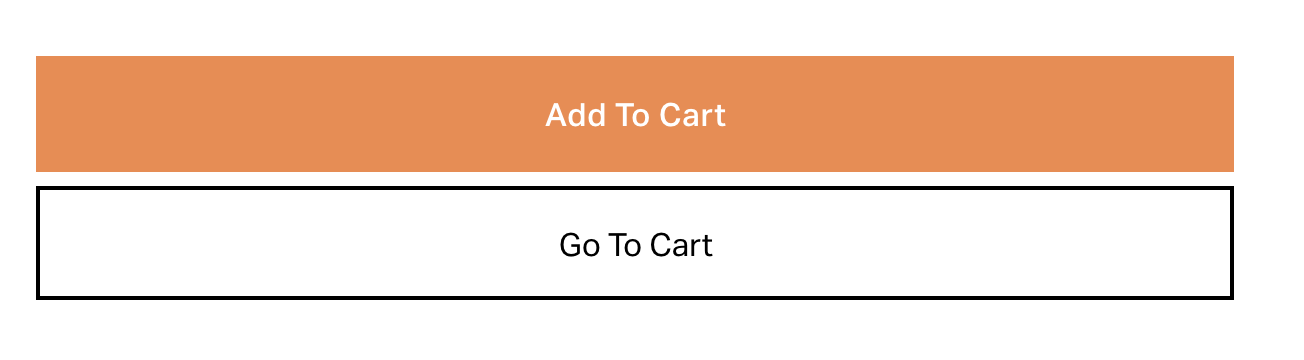
What You'll Create
A "Go to Cart" button that appears on product pages after items are added, providing a clear path to checkout.
The Problem It Solves
After clicking "Add to Cart," customers need a visible way to navigate to their cart. This technique dynamically inserts a styled button linking directly to the cart.
Perfect For
E-commerce product pages, Upsell flows, Checkout optimization, Customer experience improvements.
What Makes This Different
jQuery inserts the button dynamically after the first click on "Add to Cart." CSS styles match site button aesthetics with hover states.
Details
Section Type: Fluid Engine
Code Type: CSS + JavaScript
Prerequisites: jQuery library; Product page with Add to Cart button
Toolkit Title: Go to Cart Button
Learn This Technique
This is one of 150+ code techniques taught inside Standout Squarespace, where you get:
The complete, copy-paste code
Video walkthrough explaining how it works
The principles behind the technique so you can customize it
Access to our private community for support