

Hide Last Name Field in Newsletter Block
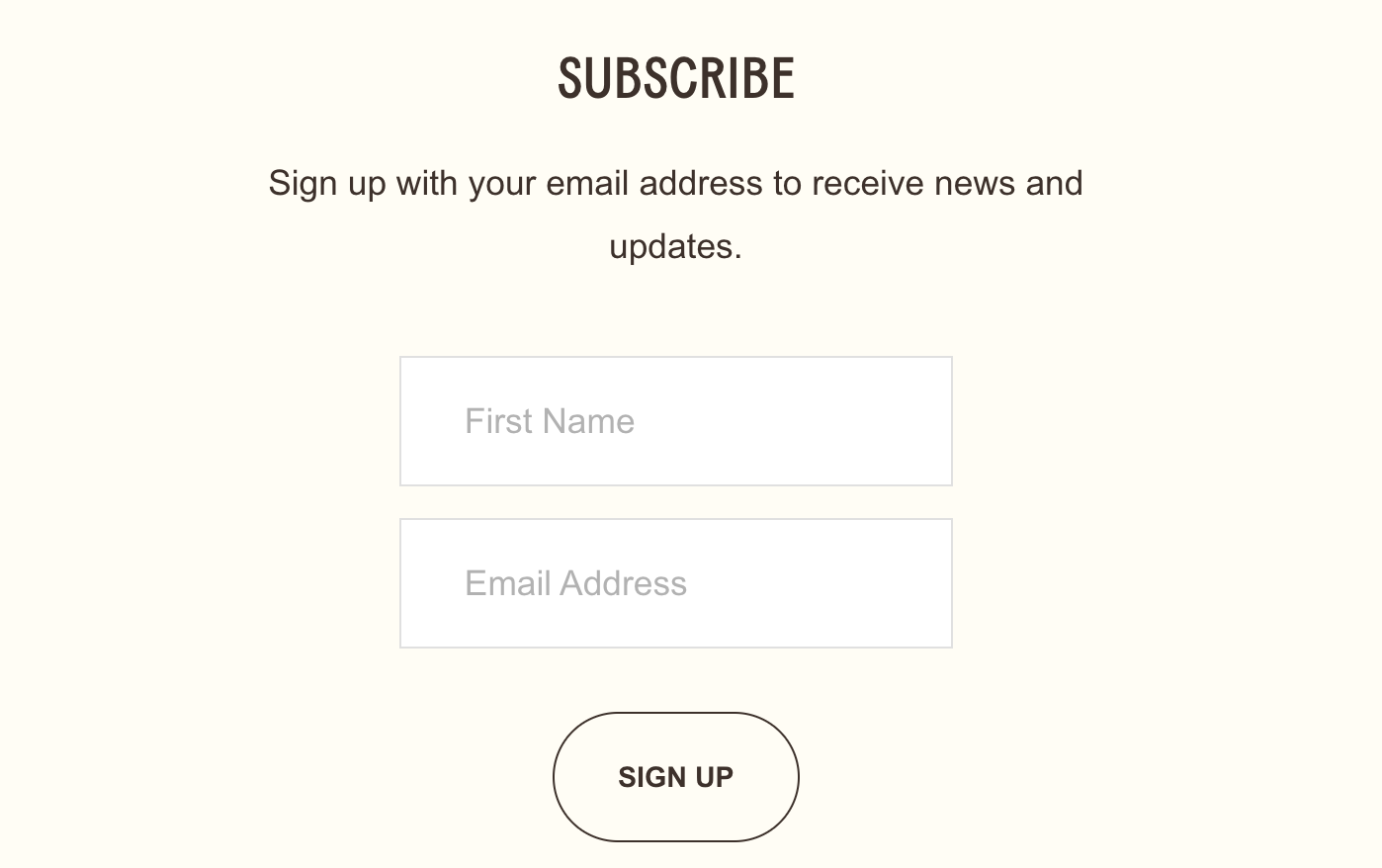
What You'll Create
A streamlined newsletter signup form that only shows the first name and email fields, hiding the last name field from view. The form still works properly because the last name field is filled with a placeholder value automatically.
The Problem It Solves
Squarespace's newsletter block requires both first and last name fields when names are enabled—there's no option to show just the first name. This technique hides the last name field visually while ensuring the form still submits successfully by auto-filling it with a placeholder value.
Perfect For
Minimal signup forms, Footer newsletter sections, Pop-up email captures, Lead generation forms, Simplified contact sections
What Makes This Different
Rather than trying to remove the last name field entirely (which would break the form), this technique cleverly hides it from view and automatically fills it with a dash character. Visitors see only the fields you want them to complete, while the form still functions correctly on the backend. It's a simple but effective way to reduce friction in your signup process.
Details
Section Type: Fluid & Classic
Code Type: CSS + JavaScript
Prerequisites: Newsletter block with name fields enabled, code in footer injection
Toolkit Title: Hide Last Name Field from Newsletter Block
Learn This Technique
This is one of 150+ code techniques taught inside Standout Squarespace, where you get:
The complete, copy-paste code
Video walkthrough explaining how it works
The principles behind the technique so you can customize it
Access to our private community for support