

Horizontal Timeline Carousel
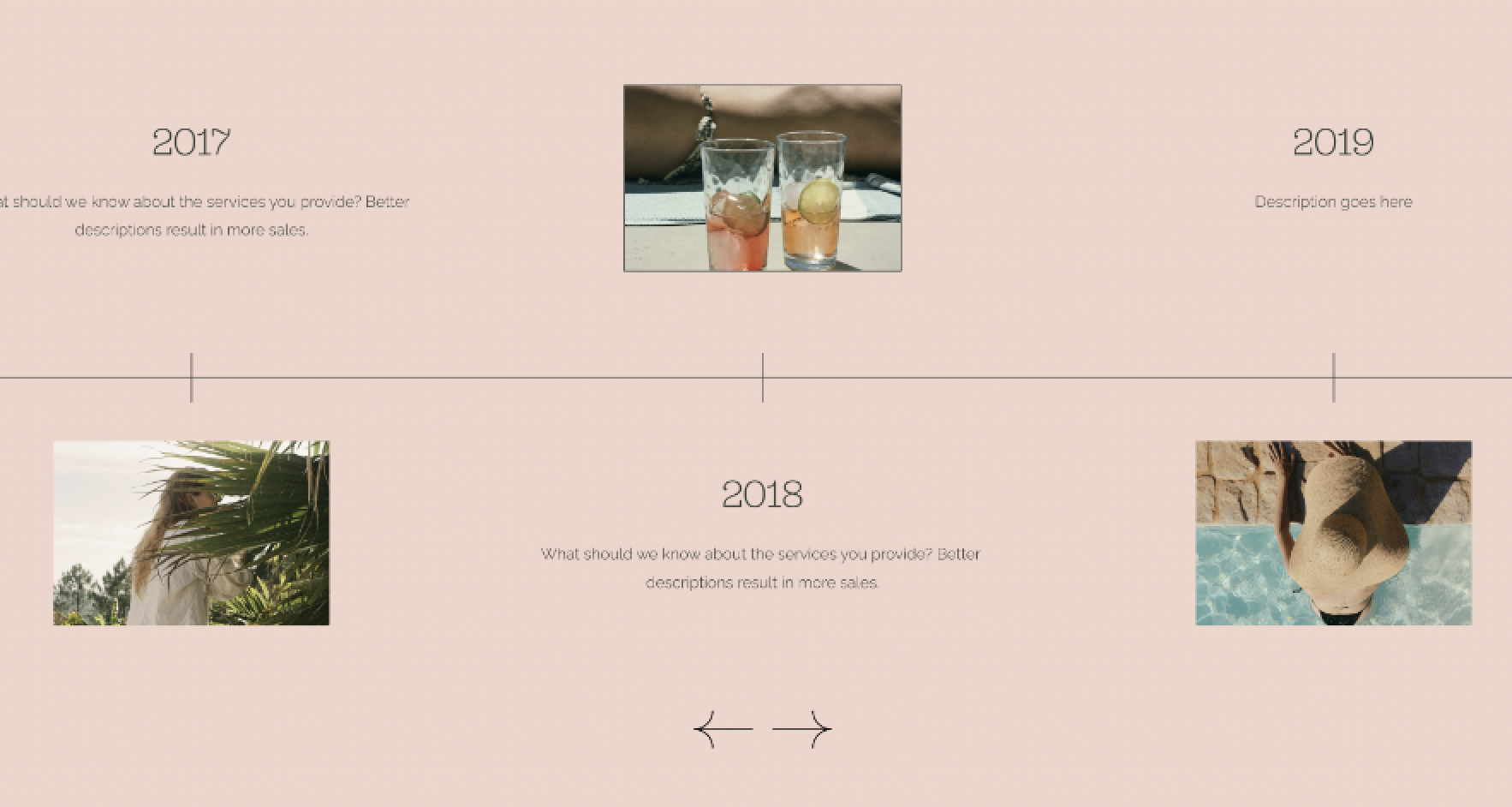
What You'll Create
Create a horizontal timeline carousel in Squarespace with items alternating above and below a center line. Vertical connector lines link each item to the timeline, creating a classic chronological display perfect for histories, processes, or milestones.
The Problem It Solves
Squarespace has no timeline component. Building a horizontal timeline with alternating positions - odd items above, even items below - and connecting lines requires CSS pseudo-elements and careful positioning to create the classic timeline aesthetic.
Perfect For
Company histories, Project milestones, Process steps, Event timelines, Career progressions.
What Makes This Different
Hidden elements create both the horizontal line (spanning the full carousel width at 50% height) and vertical connectors (linking each item to the center line). Styling patterns alternate items above and below by adjusting spacing and layout direction. The visual connects each milestone to a unified timeline narrative.
Details
Section Type: Fluid & Classic
Code Type: CSS
Prerequisites: List Section set to Carousel layout
Toolkit Title: Horizontal Timeline
Learn This Technique
This is one of 150+ code techniques taught inside Standout Squarespace, where you get:
The complete, copy-paste code
Video walkthrough explaining how it works
The principles behind the technique so you can customize it
Access to our private community for support