

Index Table from Lists
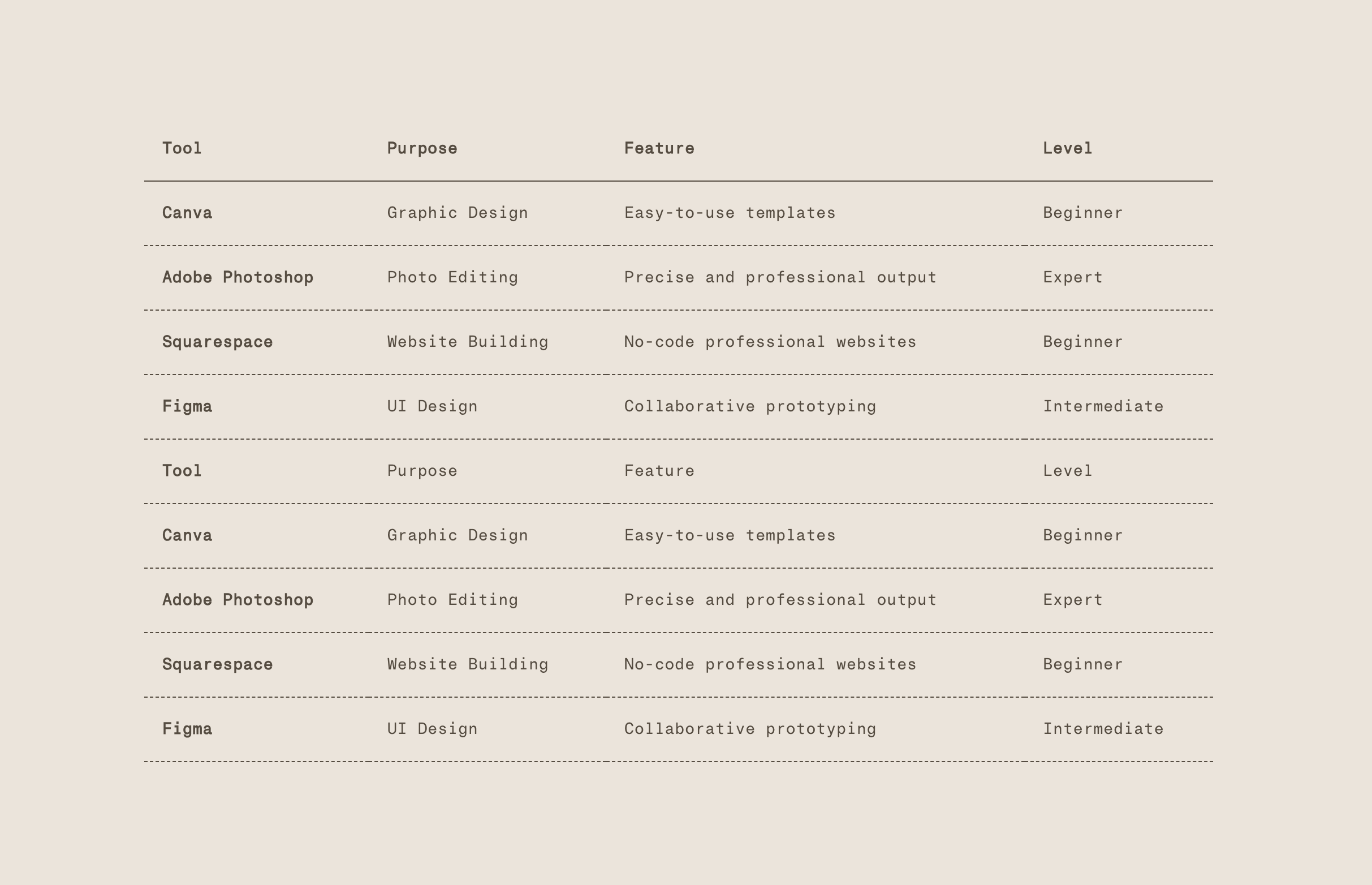
What You'll Create
Clean, minimal index-style tables in Squarespace created from simple unordered lists. The code automatically converts your list structure into a proper HTML table, then applies elegant dotted borders with transparent backgrounds.
The Problem It Solves
Squarespace doesn't have a native table block, making data presentation challenging. Writing HTML tables manually is tedious and error-prone. This technique lets you create tables using simple bullet point lists - just format your content in a specific pattern, add a script, and your lists become styled tables.
Perfect For
Index directories, Pricing tables, Schedule displays, Comparison charts, Data presentations, Restaurant menus, Service listings.
What Makes This Different
This is a two-part solution: First, the code converts your unordered list structure into an HTML table. Then styling applies minimal aesthetics—transparent backgrounds, dotted row borders, and proper spacing. The first list item becomes a linked header, making it perfect for index-style navigation tables.
Details
Section Type: Fluid & Classic
Code Type: CSS + JavaScript
Prerequisites: Classic Editor section with unordered list formatted in specific pattern
Toolkit Title: Index Table
Learn This Technique
This is one of 150+ code techniques taught inside Standout Squarespace, where you get:
The complete, copy-paste code
Video walkthrough explaining how it works
The principles behind the technique so you can customize it
Access to our private community for support