

Play Video on Hover
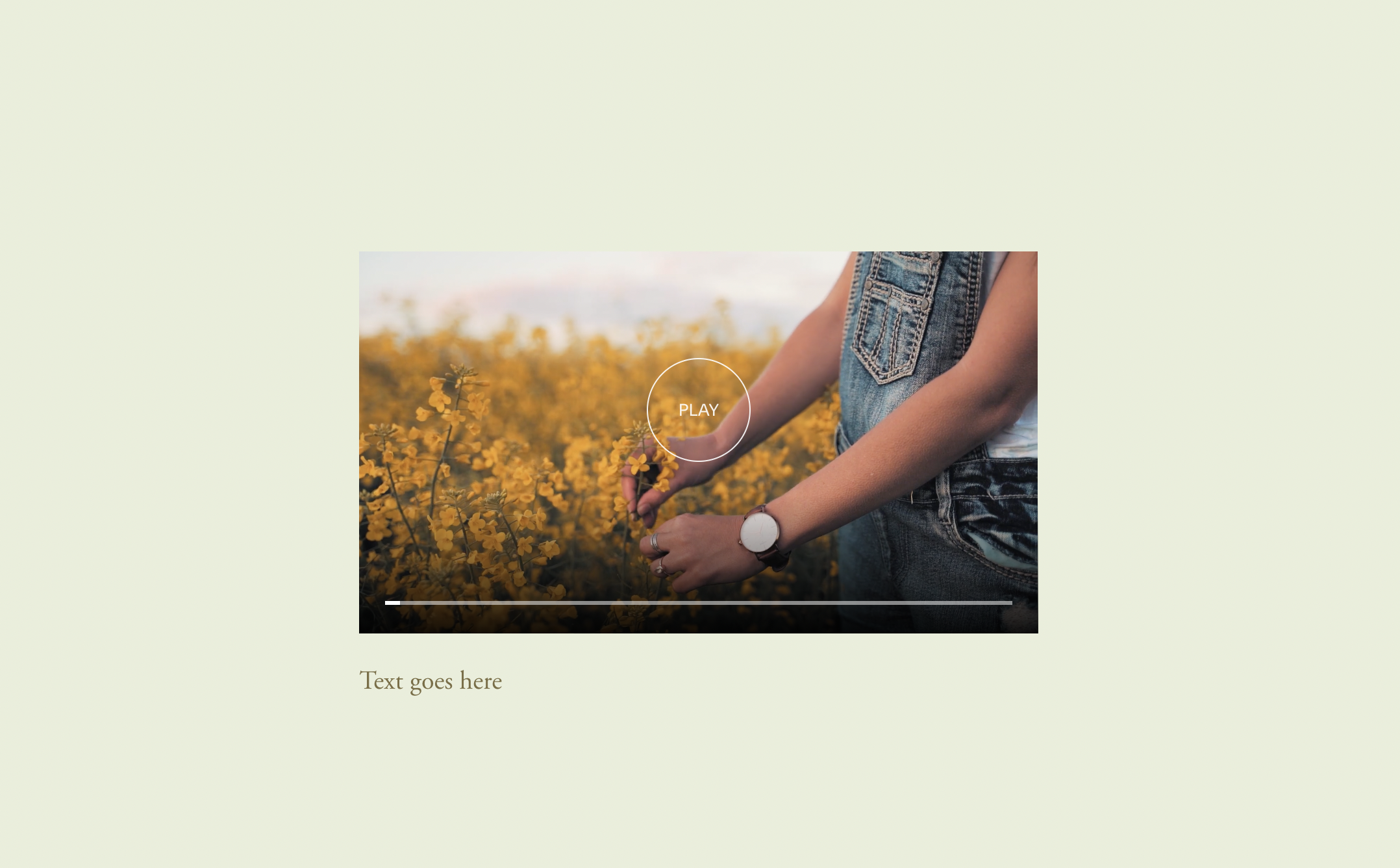
What You'll Create
Create a video in Squarespace that automatically plays when visitors hover over it and pauses when they move away. The video starts muted with a custom play indicator that disappears on hover, creating an engaging preview experience.
The Problem It Solves
Squarespace videos either autoplay continuously or require a click to start. When you want videos to play only on hover - like showcasing project animations or product demos without overwhelming visitors with auto-playing media - you need custom code.
Perfect For
Project demo previews, Product feature videos, Animation showcases, Portfolio video grids, Interactive galleries.
What Makes This Different
You trigger the effect by adding a simple #play-hover link in the video's description field - no complex setup required. The JavaScript responds to visitor actions (mouse enter/exit) to play and pause automatically, while the video stays muted to avoid startling visitors. A custom CSS 'PLAY' indicator appears when paused and fades on hover. You can optionally reset the video to the beginning when hover ends.
Details
Section Type: Fluid & Classic
Code Type: CSS + JavaScript
Prerequisites: Video Block with minimal player controls, Link with #play-hover in description
Toolkit Title: Play Video on Hover
Learn This Technique
This is one of 150+ code techniques taught inside Standout Squarespace, where you get:
The complete, copy-paste code
Video walkthrough explaining how it works
The principles behind the technique so you can customize it
Access to our private community for support