

Pronunciation Audio Player
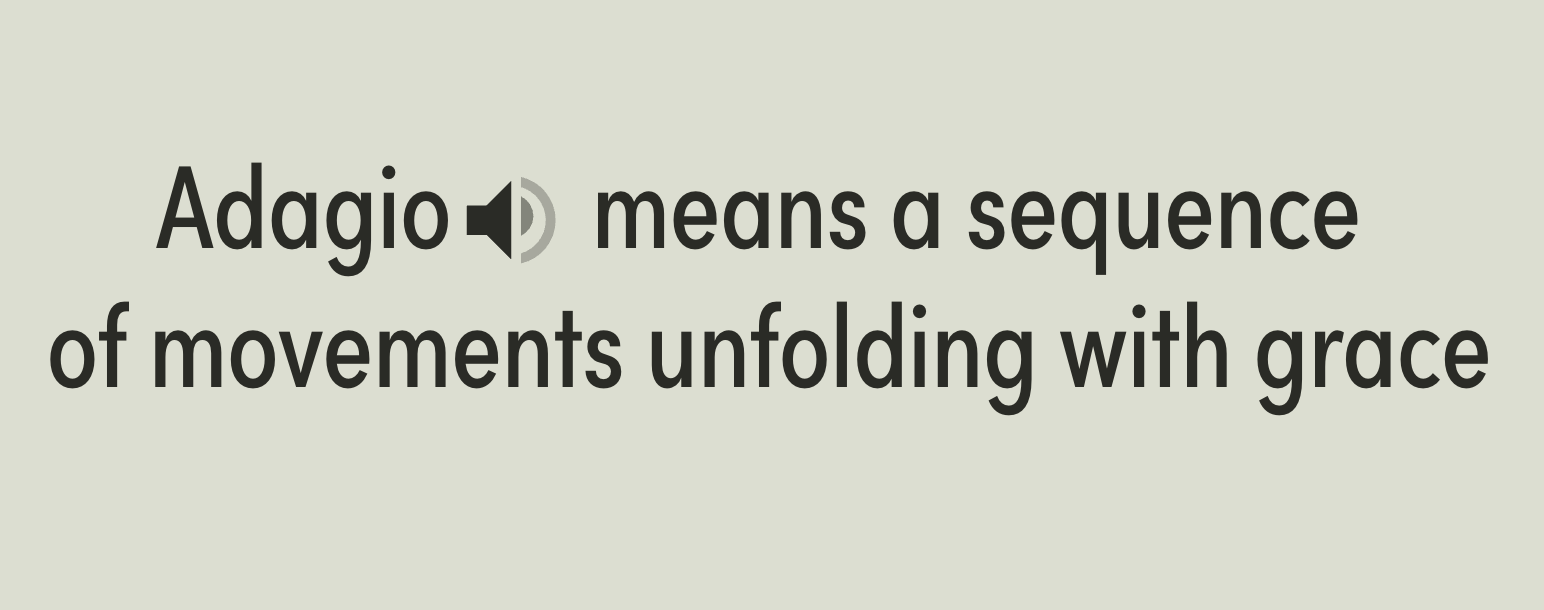
What You'll Create
A sleek inline speaker icon appears next to text links - clicking either triggers smooth audio playback with animated sound wave indicators that pulse during playback, replacing bulky default audio controls with minimal, elegant interaction.
The Problem It Solves
Squarespace's native audio block displays a full player with progress bar, volume controls, and timeline - overkill when you just need simple pronunciation playback. This technique hides the default player entirely and creates custom trigger elements that play audio on demand, perfect for language learning sites, glossaries, or any context requiring compact audio integration.
Perfect For
Language learning sites with vocabulary pronunciation, glossary pages with audio definitions, portfolio sites with audio samples, product pages with sound demonstrations, accessibility enhancements for text content.
What Makes This Different
This technique replaces bulky audio players with elegant, minimal speaker icons that blend seamlessly into your text. When clicked, animated sound waves pulse to show audio is playing. If one audio is already playing and you click another, it automatically stops the first one. The icons work inline with your content, so pronunciation guides feel natural rather than disruptive.
Details
Section Type: Fluid Engine
Code Type: CSS + JavaScript
Prerequisites: Audio block with uploaded file, section with #pronunciation anchor, text link with #speakword URL
Toolkit Title:
Learn This Technique
This is one of 150+ code techniques taught inside Standout Squarespace, where you get:
The complete, copy-paste code
Video walkthrough explaining how it works
The principles behind the technique so you can customize it
Access to our private community for support