

Rotate Image on Scroll
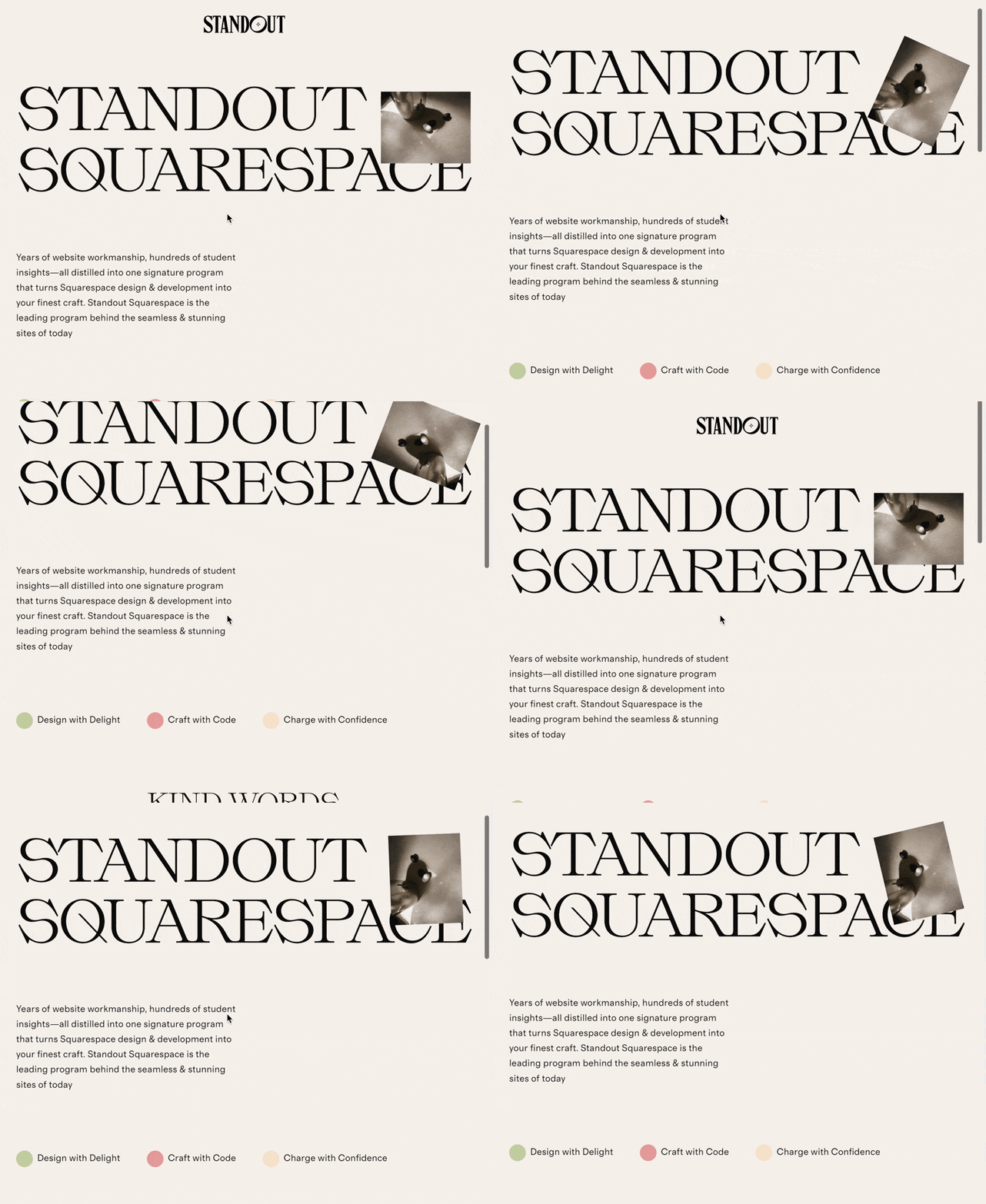
What You'll Create
Images that spin continuously as visitors scroll, with the rotation direction changing based on scroll direction. Scroll down and the image rotates one way; scroll up and it reverses. Perfect for badges, decorative elements, and playful design accents.
The Problem It Solves
Squarespace has no built-in way to create scroll-based rotation effects. This technique adds a dynamic, interactive quality to static images that responds to user behavior, making your site feel more alive and engaging.
Perfect For
Decorative elements, Badge designs, Logo animations, Playful branding, Interactive portfolios
What Makes This Different
This technique tracks how far the page has scrolled since the last check and rotates the image by that amount. The rotation accumulates—the more you scroll, the more it spins. Scrolling back up makes it spin in reverse. Simply add a keyword to your image filename to activate the effect, no extra markup needed.
Details
Section Type: Fluid & Classic
Code Type: JavaScript
Prerequisites: Image with 'rotate' in filename, Footer code injection access
Toolkit Title: Rotate Image on Scroll
Learn This Technique
This is one of 150+ code techniques taught inside Standout Squarespace, where you get:
The complete, copy-paste code
Video walkthrough explaining how it works
The principles behind the technique so you can customize it
Access to our private community for support