

Rotated Vertical Text Title
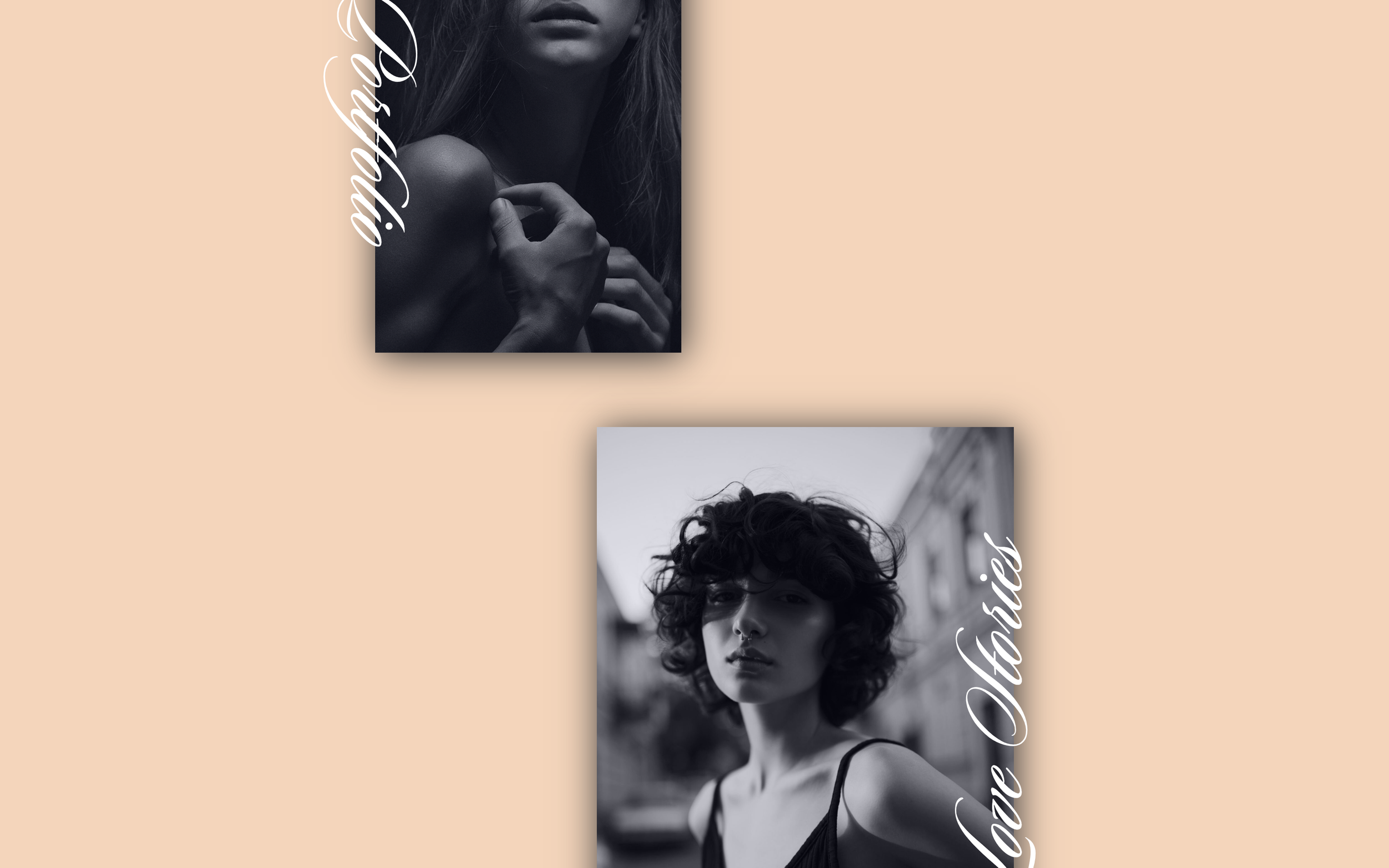
What You'll Create
Image block titles that rotate 90 degrees and position alongside the image edge. Creates a distinctive editorial layout with vertical text running up the side of photos.
The Problem It Solves
Standard image captions sit below or beside images in predictable ways. This technique creates magazine-style layouts where text runs vertically, adding visual interest and a professional editorial feel.
Perfect For
Portfolio showcases, Editorial layouts, Magazine-style designs, Photography sites, Creative agencies, Fashion sites.
What Makes This Different
CSS transforms rotate the image title wrapper 90 degrees with transform-origin controlling the pivot point. Absolute positioning places text at the image edge. Works with both left and right positions using opposite rotation directions.
Details
Section Type: Fluid & Classic
Code Type: CSS
Prerequisites: Image blocks set to Stacked layout with titles enabled
Toolkit Title: Rotated Text Title
Learn This Technique
This is one of 150+ code techniques taught inside Standout Squarespace, where you get:
The complete, copy-paste code
Video walkthrough explaining how it works
The principles behind the technique so you can customize it
Access to our private community for support