

Simple Inline Newsletter Block
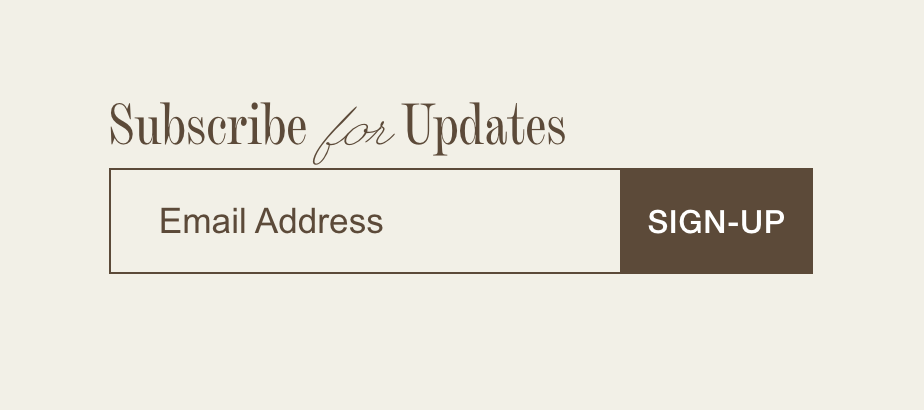
What You'll Create
A clean, inline newsletter signup form with a bordered container and styled submit button.
The Problem It Solves
Default newsletter blocks look generic. This technique creates a modern, minimal design with proper field and button alignment.
Perfect For
Footer signups, Homepage CTAs, Blog sidebars, Contact pages, Landing pages.
What Makes This Different
CSS flexbox aligns form elements horizontally, with custom styling for the container border, field elements, and submit button.
Details
Section Type: Fluid & Classic
Code Type: CSS
Prerequisites: Newsletter block with Float design and name field disabled
Toolkit Title: Simple Newsletter Block
Learn This Technique
This is one of 150+ code techniques taught inside Standout Squarespace, where you get:
The complete, copy-paste code
Video walkthrough explaining how it works
The principles behind the technique so you can customize it
Access to our private community for support