

Split Layout Gallery Slideshow
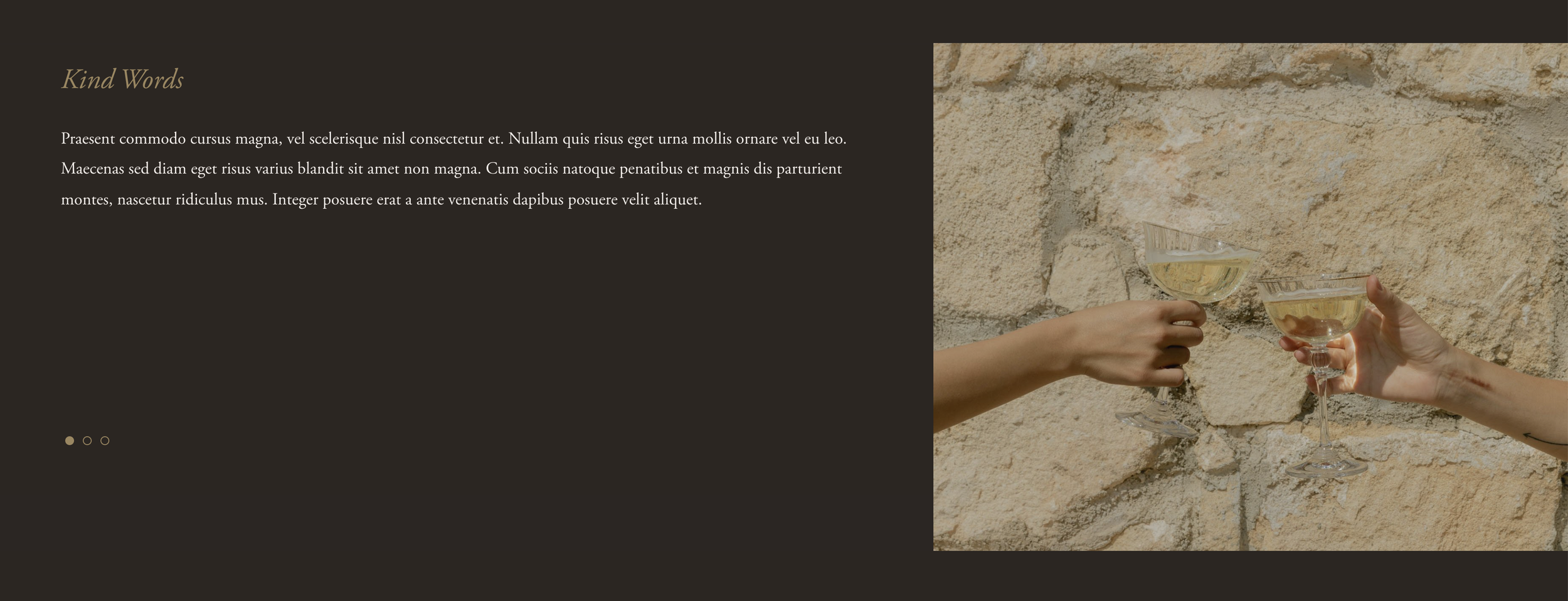
What You'll Create
A split-layout gallery slideshow with captions displayed alongside images, featuring custom bullet navigation and fade-in animations.
The Problem It Solves
Default gallery slideshows stack captions below images. This technique creates a side-by-side layout where images and rich captions share the screen with styled navigation.
Perfect For
Portfolio showcases, case study presentations, property listings, product features, story-driven galleries.
What Makes This Different
Creates a horizontal layout placing captions beside images. Custom styling for bullet navigation with configurable colors and positioning. Captions fade in smoothly with animations.
Details
Section Type: Fluid Engine
Code Type: CSS
Prerequisites: Gallery Section set to Fullscreen Slideshow layout with captions enabled
Toolkit Title: Gallery Slider
Learn This Technique
This is one of 150+ code techniques taught inside Standout Squarespace, where you get:
The complete, copy-paste code
Video walkthrough explaining how it works
The principles behind the technique so you can customize it
Access to our private community for support