

Split View Carousel with Toggles
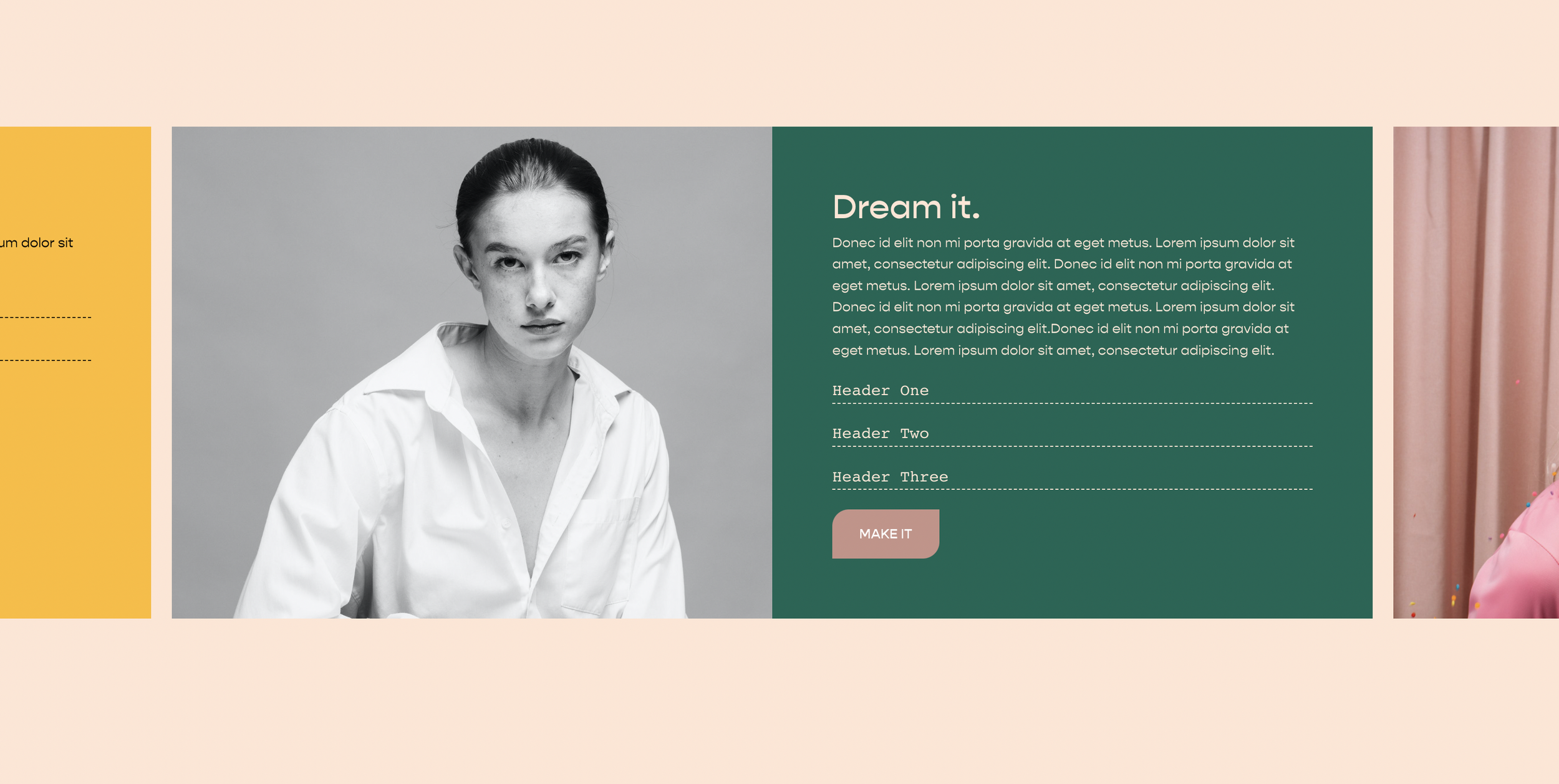
What You'll Create
A split-view carousel where image and content sit side by side, with custom navigation and toggleable text sections.
The Problem It Solves
Default carousels stack content vertically. This technique creates a professional split layout with image on one side, content on the other.
Perfect For
Testimonials, Case studies, Project showcases, Service highlights, Feature presentations.
What Makes This Different
CSS flexbox creates the side-by-side layout, with jQuery enabling collapsible text toggles within each slide.
Details
Section Type: Fluid & Classic
Code Type: CSS + JavaScript
Prerequisites: List Section with carousel layout
Toolkit Title: Split Carousel List
Learn This Technique
This is one of 150+ code techniques taught inside Standout Squarespace, where you get:
The complete, copy-paste code
Video walkthrough explaining how it works
The principles behind the technique so you can customize it
Access to our private community for support