

Product and Blog Subtitles
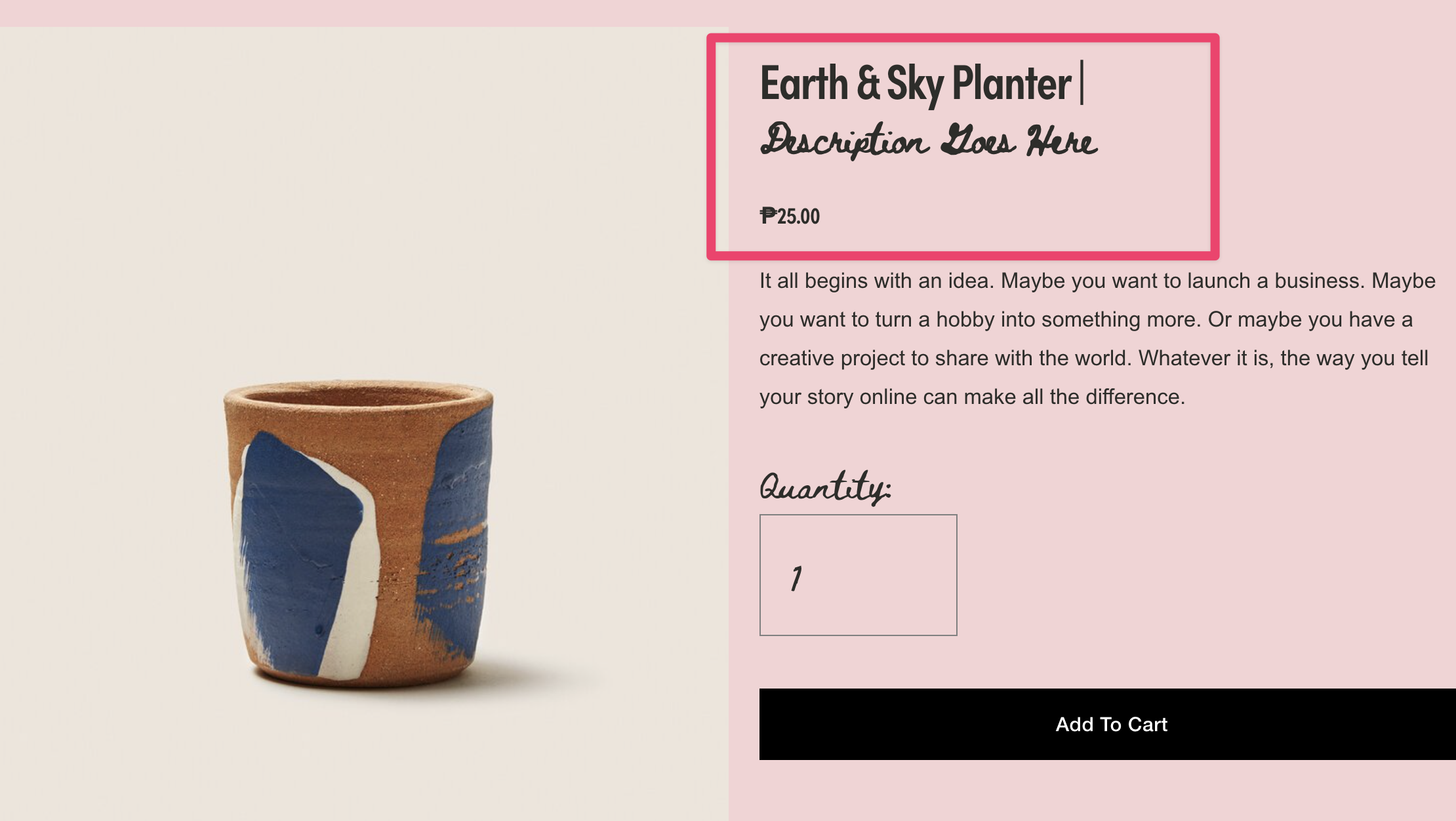
What You'll Create
A clean subtitle system in Squarespace that automatically splits your product and blog titles at the pipe character and wraps the second part in a styled element. Perfect for adding descriptions, categories, or supplementary text directly in your titles.
The Problem It Solves
Squarespace doesn't provide a native subtitle field for products or blog posts. Adding secondary text to titles typically requires custom code blocks or workarounds. This technique lets you use a simple naming convention in the title field itself.
Perfect For
Product variant descriptions, blog post categorization, service tier labels, course module subtitles, portfolio project details.
What Makes This Different
Targets multiple title types across your site—grid views, portfolio items, product pages, and blog listings. Automatically splits titles at the pipe character and wraps the subtitle for custom CSS styling. Works across grid views, detail pages, and blog listings automatically.
Details
Section Type: Fluid & Classic
Code Type: JavaScript
Prerequisites: Product or blog pages with titles containing the pipe character (|). Add JavaScript to Footer Code Injection.
Toolkit Title: Product and Blog Subtitles
Learn This Technique
This is one of 150+ code techniques taught inside Standout Squarespace, where you get:
The complete, copy-paste code
Video walkthrough explaining how it works
The principles behind the technique so you can customize it
Access to our private community for support