

Slide-Out Panel for Summary Block Items
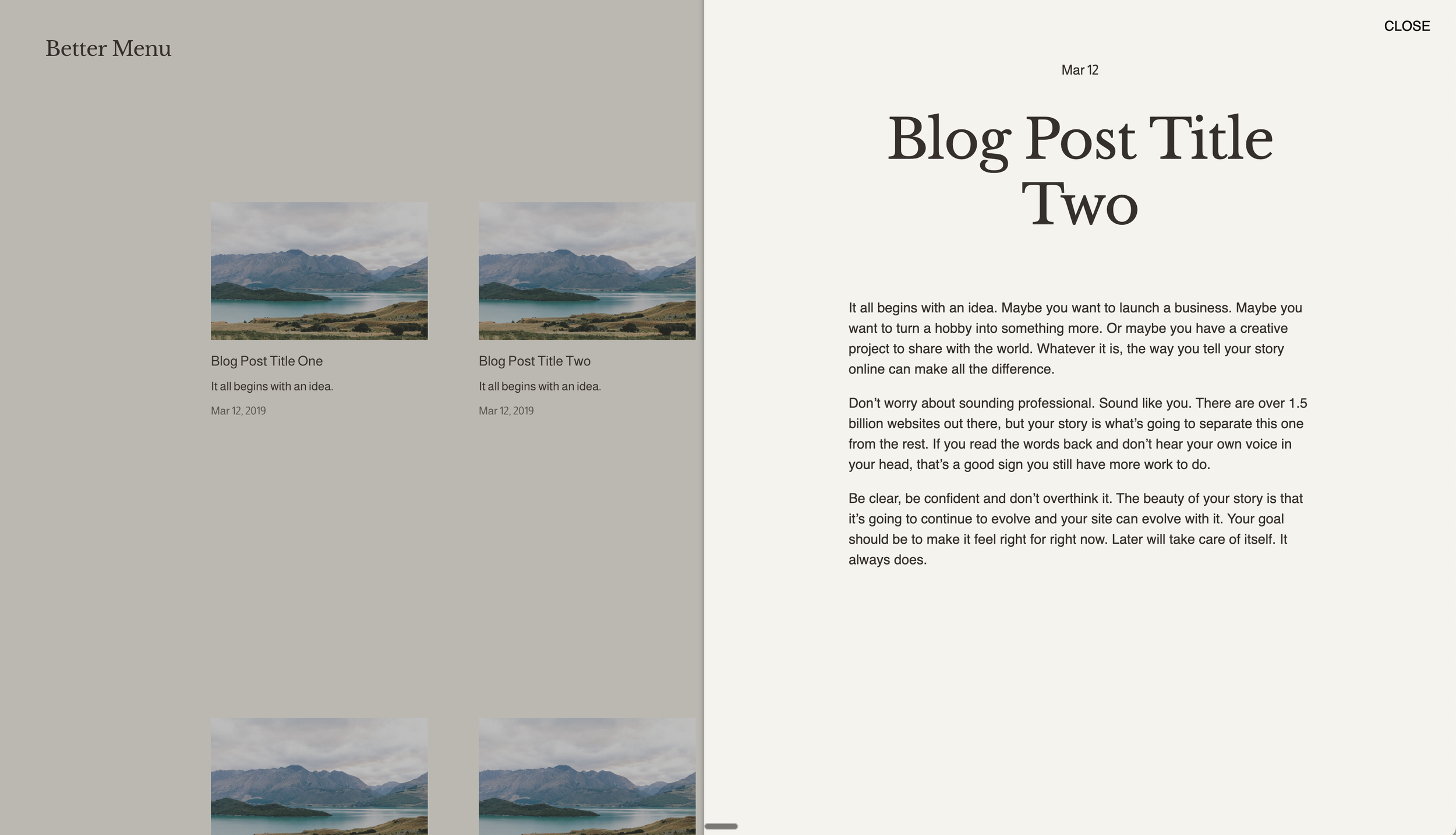
What You'll Create
A slide-out panel that displays full blog post content when clicking on Summary Block items. Instead of navigating to a new page, the blog post slides in from the right side as an overlay panel, creating an app-like reading experience while keeping visitors on the current page.
The Problem It Solves
Summary Blocks link to full blog posts on separate pages, breaking the browsing flow. When you want visitors to preview or read full content without leaving the current page—like a sidebar reader or quick-view panel—this technique fetches and displays post content in a sliding overlay.
Perfect For
Blog index pages with quick-read functionality
News feeds with inline reading
Portfolio grids with detail panels
Resource libraries with preview panels
Any content wanting inline expansion rather than page navigation
What Makes This Different
The JavaScript intercepts Summary Block clicks, fetches the target post content via AJAX, and injects it into a fixed-position slide-out panel. CSS handles the smooth sliding animation and overlay backdrop. The panel includes a close button and clicking outside dismisses it—creating a polished, app-like interaction.
Details
Section Type: Fluid Engine
Code Type: CSS + JavaScript
Prerequisites: Summary Block added to section. Anchor ID set to include
slideoutsummary.Toolkit Title: Slide-out Summary Item
Learn This Technique
This is one of 150+ code techniques taught inside Standout Squarespace, where you get:
The complete, copy-paste code
Video walkthrough explaining how it works
The principles behind the technique so you can customize it
Access to our private community for support