

Stacked List Cards with Scroll Offsets
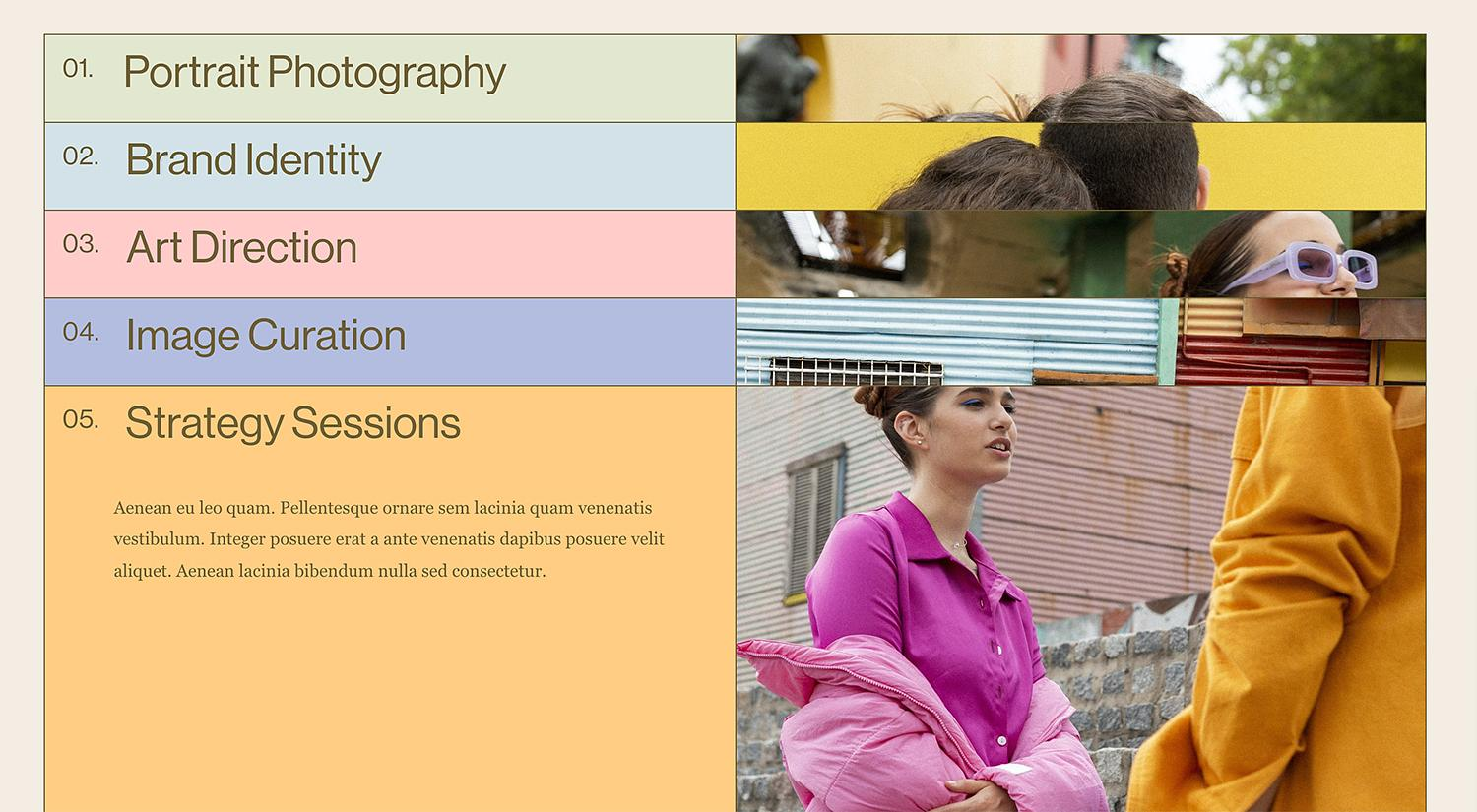
What You'll Create
A sophisticated scroll-triggered stacking effect in Squarespace where list cards progressively stick at increasing vertical offsets. Each card has its own background color and locks into place at 5rem intervals (5rem, 10rem, 15rem...) as visitors scroll, creating a dynamic layered presentation with automatic counter numbers.
The Problem It Solves
Traditional list sections display content in a static, predictable format. There's no way to create scroll-aware sticky behavior natively, and making content feel interactive and layered requires extensive custom development.
Perfect For
Service feature showcases, process step presentations, team member introductions, portfolio project highlights, course module overviews.
What Makes This Different
Makes cards stay in place while scrolling with each card sticking at progressively higher positions. Each card position is calculated by multiplying a 5rem base offset (2×, 3×, 4×...) to create the stacked effect. Includes automatic sequential numbering with leading zeros. The layout creates clean 50% image/content splits, with 20vh spacing between cards.
Details
Section Type: Fluid & Classic
Code Type: CSS
Prerequisites: List Section with Simple List layout
Toolkit Title: Stacked List Cards with offset
Learn This Technique
This is one of 150+ code techniques taught inside Standout Squarespace, where you get:
The complete, copy-paste code
Video walkthrough explaining how it works
The principles behind the technique so you can customize it
Access to our private community for support