

Top Navigation for Stacked Tabs
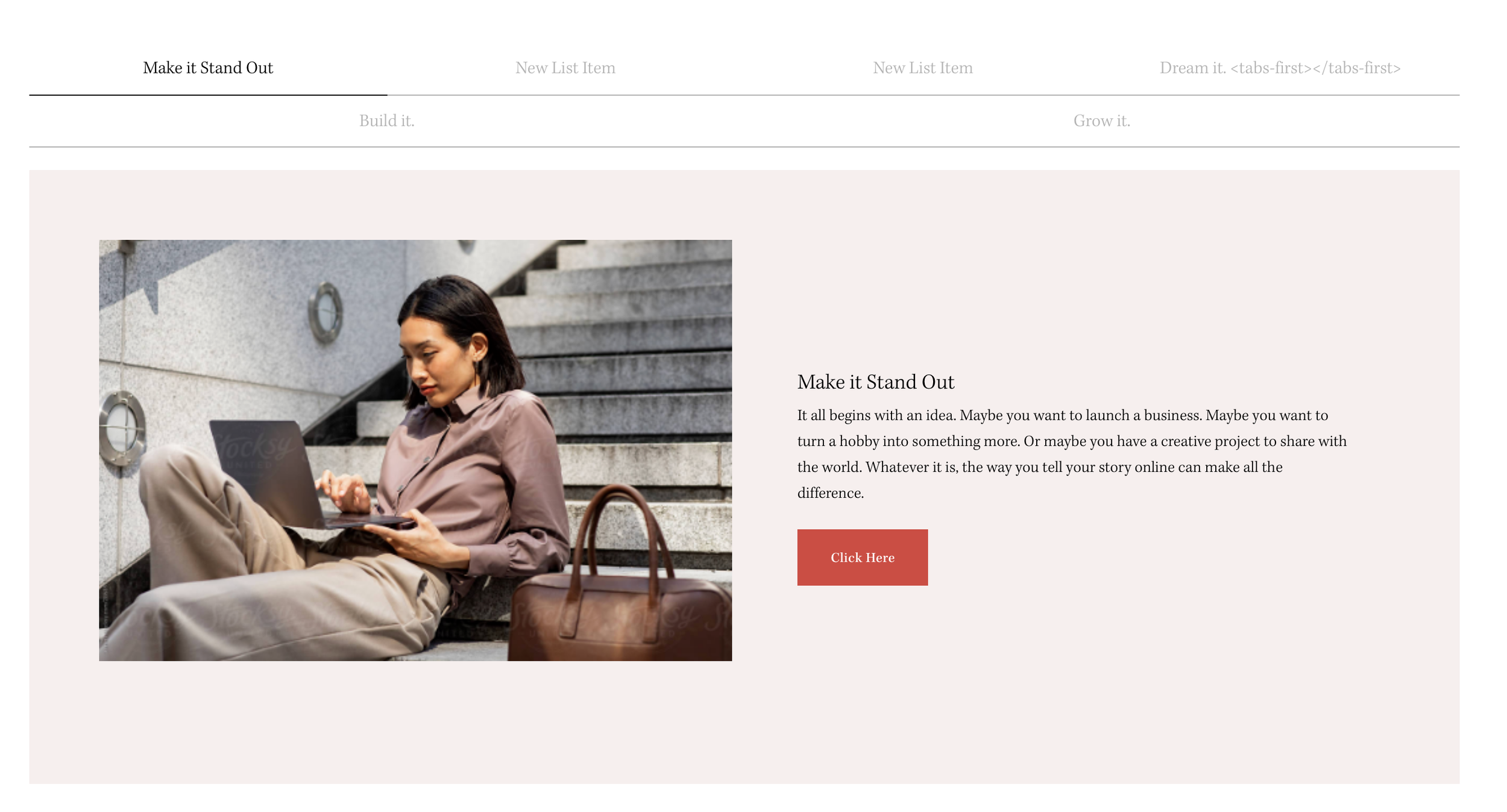
What You'll Create
A horizontal top navigation for your Squarespace tabbed List Section, with navigation items wrapping and centering beautifully. Each tab shows an active state with customizable styling.
The Problem It Solves
The Stacked Side Tabs technique positions navigation vertically on the side. Sometimes you need horizontal navigation above the content instead—this modification makes that possible.
Perfect For
Service category navigation, product line tabs, FAQ sections, feature showcases, pricing plan selectors
What Makes This Different
Flips the layout to move navigation above content. Navigation dots become horizontal with wrapping enabled and centered alignment. Minimum 20% width per tab ensures clean distribution across the row.
Details
Section Type: Fluid Engine
Code Type: CSS
Prerequisites: Stacked Side Tabs setup (see prerequisite technique), List Section with Slick slider
Toolkit Title: Top Nav for Stacked Side Tabs
Learn This Technique
This is one of 150+ code techniques taught inside Standout Squarespace, where you get:
The complete, copy-paste code
Video walkthrough explaining how it works
The principles behind the technique so you can customize it
Access to our private community for support