

Stacked Folder List
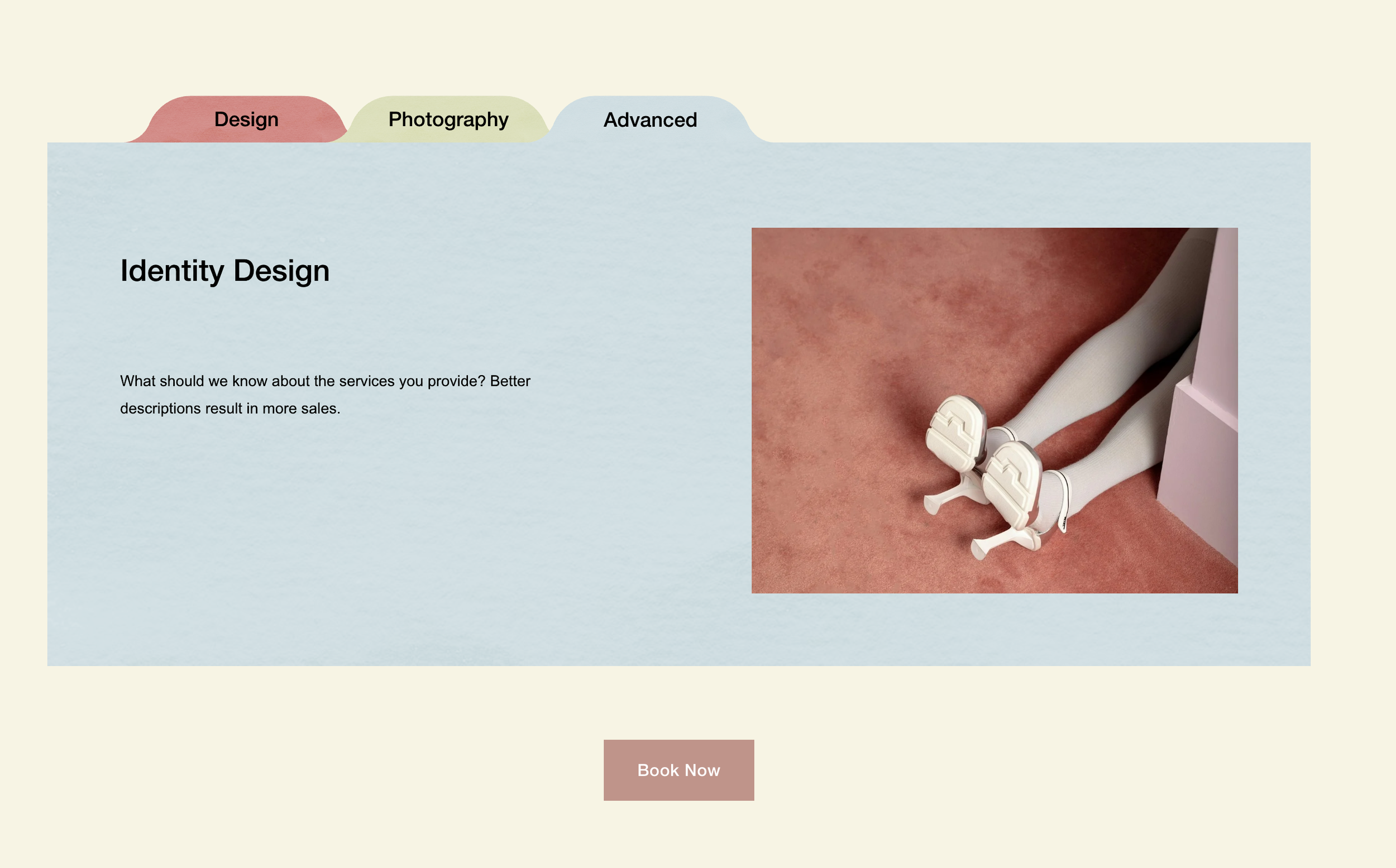
What You'll Create
A creative stacked folder effect in Squarespace where list items stack on top of each other as users scroll, with folder tab-style titles. Items feature a watercolor texture overlay and custom tab shapes.
The Problem It Solves
Standard list sections display items in sequence without any layering or stacking effect. When you want a creative folder/file cabinet aesthetic with items that stack as users scroll, you need CSS sticky positioning combined with decorative mask shapes.
Perfect For
Service packages, Course modules, Portfolio categories, Process steps, Team departments
What Makes This Different
Combines scroll-aware positioning with custom mask shapes for folder tab titles. Includes texture overlays with visual blending effects and individual color customization per item. Items stack naturally as users scroll down.
Details
Section Type: Fluid Engine
Code Type: CSS
Prerequisites: List section with specific space settings (Space Below Section Title = 129)
Toolkit Title: Stacked Folder
Learn This Technique
This is one of 150+ code techniques taught inside Standout Squarespace, where you get:
The complete, copy-paste code
Video walkthrough explaining how it works
The principles behind the technique so you can customize it
Access to our private community for support