

Stacked Side Tabs from List Sections
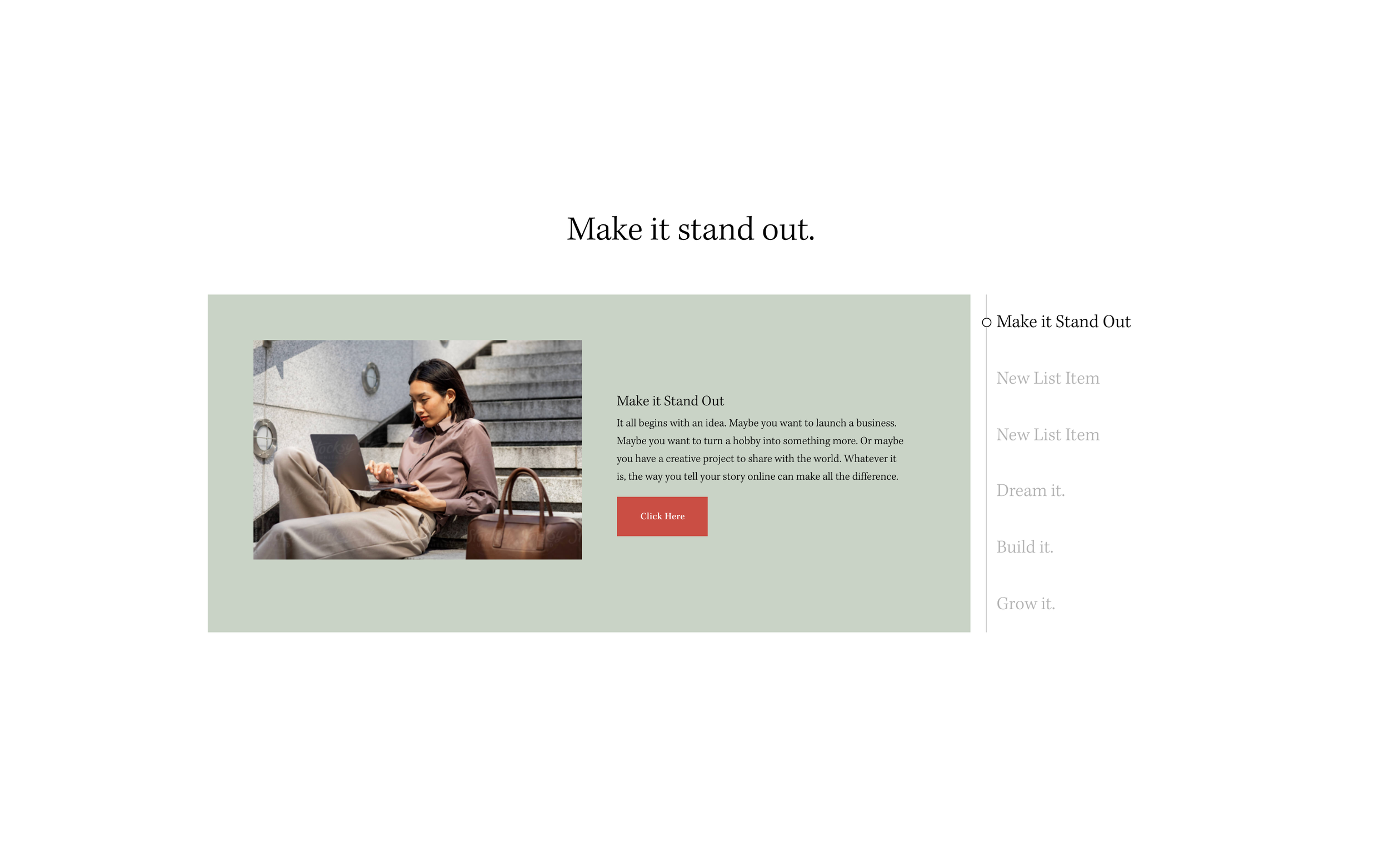
What You'll Create
A tabbed content interface using List Sections where tab titles stack vertically on the side and clicking reveals corresponding content panels.
The Problem It Solves
Squarespace doesn't have built-in tabbed layouts. This technique transforms List Sections into interactive tabs with vertical navigation, perfect for organizing services, features, or categorized content.
Perfect For
Service pages, Feature comparisons, Product specifications, FAQ alternatives, Portfolio categories.
What Makes This Different
Uses a carousel library to power the tab functionality. Tab titles are extracted from list items and displayed as clickable navigation. Includes options for hover-to-change and custom styling.
Details
Section Type: Fluid Engine
Code Type: CSS + JavaScript
Prerequisites: Simple List Section with titles enabled; jQuery and Slick.js libraries
Toolkit Title: Stacked Side Tabs
Learn This Technique
This is one of 150+ code techniques taught inside Standout Squarespace, where you get:
The complete, copy-paste code
Video walkthrough explaining how it works
The principles behind the technique so you can customize it
Access to our private community for support