

Sticky Image on Scroll (Keyword-Based)
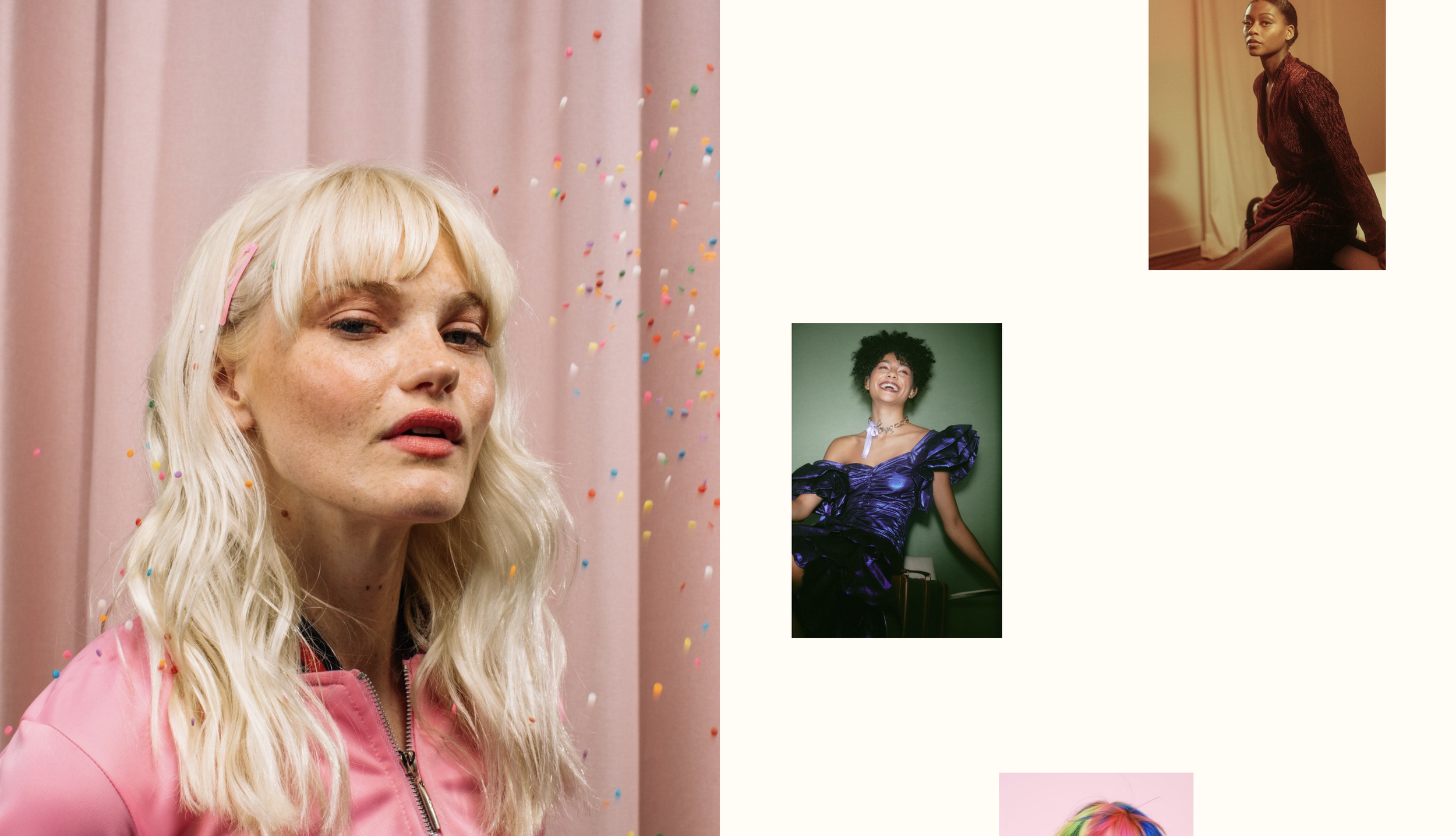
What You'll Create
A sticky image effect in Squarespace where specific images remain fixed while users scroll past other content in the section.
The Problem It Solves
Default layouts scroll all content together. This technique pins specific images in place using filename keywords, creating a storytelling effect where text scrolls past fixed visuals.
Perfect For
Portfolio presentations, service explanations, product features, case study layouts, story-driven pages.
What Makes This Different
Targets blocks containing images with "sticky" in their filename. Creates the pinned effect using scroll-aware positioning that keeps images visible while other content moves.
Details
Section Type: Fluid Engine
Code Type: CSS
Prerequisites: Images with "sticky" keyword in filename
Toolkit Title: Sticky Scrolling (Fluid)
Learn This Technique
This is one of 150+ code techniques taught inside Standout Squarespace, where you get:
The complete, copy-paste code
Video walkthrough explaining how it works
The principles behind the technique so you can customize it
Access to our private community for support