

Sticky Scrolling Columns
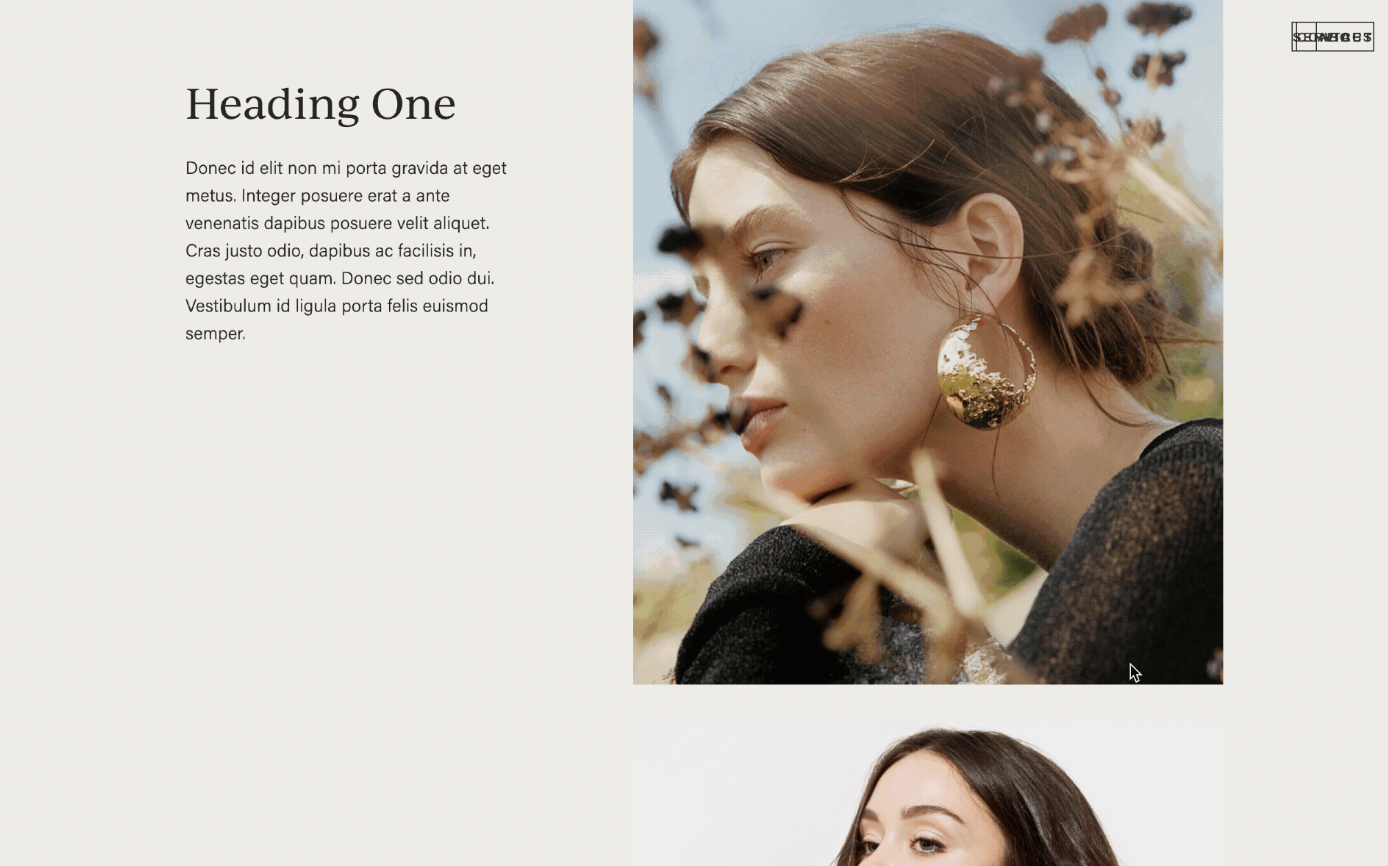
What You'll Create
A layout where one column stays fixed in place while the other column scrolls normally. This creates an engaging reading experience where key content (like an image or headline) remains visible as visitors scroll through longer text.
The Problem It Solves
Squarespace columns scroll together by default. If you have a two-column layout and want one side to "stick" while the other scrolls, there's no native option. This technique enables that sticky behavior with simple CSS.
Perfect For
Long-form content, Product feature pages, Case study layouts, About page narratives, Service descriptions
What Makes This Different
This approach makes one column stay pinned to the top of the viewport while the adjacent column scrolls naturally. It's subtle but powerful — visitors can read through detailed content while a key visual or headline stays constantly visible, reinforcing your message.
Details
Section Type: Classic
Code Type: CSS
Prerequisites: Two-column layout section with anchor ID
Toolkit Title: Sticky Columns (7.1)
Learn This Technique
This is one of 150+ code techniques taught inside Standout Squarespace, where you get:
The complete, copy-paste code
Video walkthrough explaining how it works
The principles behind the technique so you can customize it
Access to our private community for support