

Course Discovery Tool Walkthrough: Find the Right Squarespace Workshop for Your Vision
Are you always wondering whether a layout, feature or functionality can be achieved in Squarespace? In this video, I'm going to share with you a free tool that you can use to easily answer that question.
Course Discovery Tool Walkthrough: Find the Right Squarespace Workshop for Your Vision
a.
Squarespace
b.
Business
Introduction [0:00]
Are you always wondering whether a layout, feature or functionality can be achieved in Squarespace? In this video, I'm going to share with you a free tool that you can use to easily answer that question.
So if you'd like to check whether the vision you have in mind or the layout that you wish to accomplish in Squarespace is something that we can achieve using the current resources within our program, then you can use this tool.
How to Access the Tool [0:30]
This is a public resource, so you simply need to go to our sales page: Standout Squarespace. Then in the navigation that follows you, as you scroll, you'll find that you can see this Discover call to action at the top right.
Using Sample Questions [0:45]
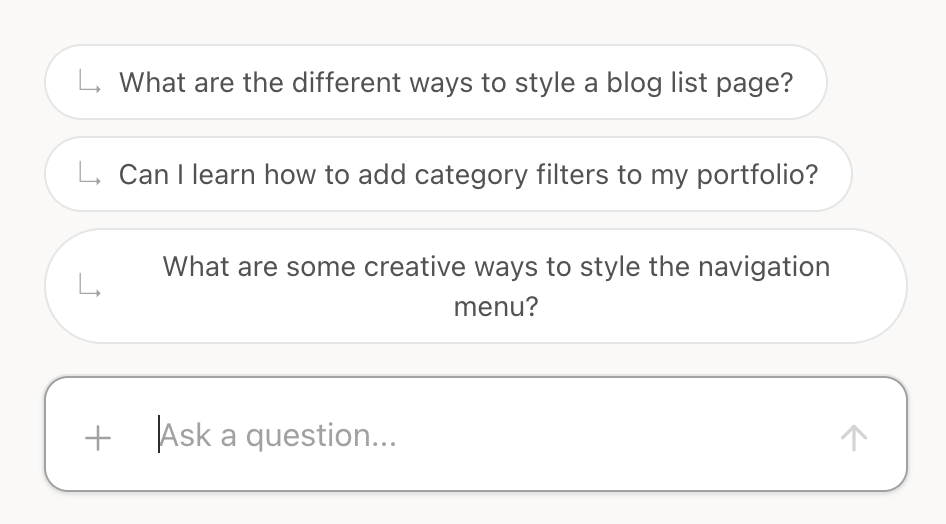
There are sample questions that you can reference, or you may simply click them. For example:
"What are the different ways to style a blog list page?"
And then if you'll start to go through our database of workshops, then it will list the relevant workshops based on your question.
So for example, for your blog list page, we have several workshops to help you ideate layouts for that:
The Editorial Blogs layout
The Tag List layout
And there is the See Preview option to give you more context of what this technique is about.
Uploading Images as Reference [1:15]
You may also provide images as reference. For example, if your client needs a particular layout to be present on their website, or you have a mock up in mind, then you can simply take a screenshot and then upload that to the chat.
For example, I can simply upload this image, then I can start asking:
"Can I add a filter to summary blocks like this attached image?"
Then it will start analyzing our image, and again, look through a database if something matches our image and description. And it came up with these options. It says you can absolutely add category filtering to summary blocks using one of our techniques — the most relevant one is Summary Block Category Filter.
A Quick Note on Image Uploads [1:50]
Just to note that if you are uploading images, it's best to keep them below two megabytes. And then if you need help optimizing that image or compressing it, then you can use my tool called pixresize.com.
When You Need Extra Help [2:05]
Also, if you have a specific layout in mind, and our Course Discovery tool can't find it in our workshops, then you can use this chat button and I will personally attend to your question.