

Animated Text Block Backgrounds
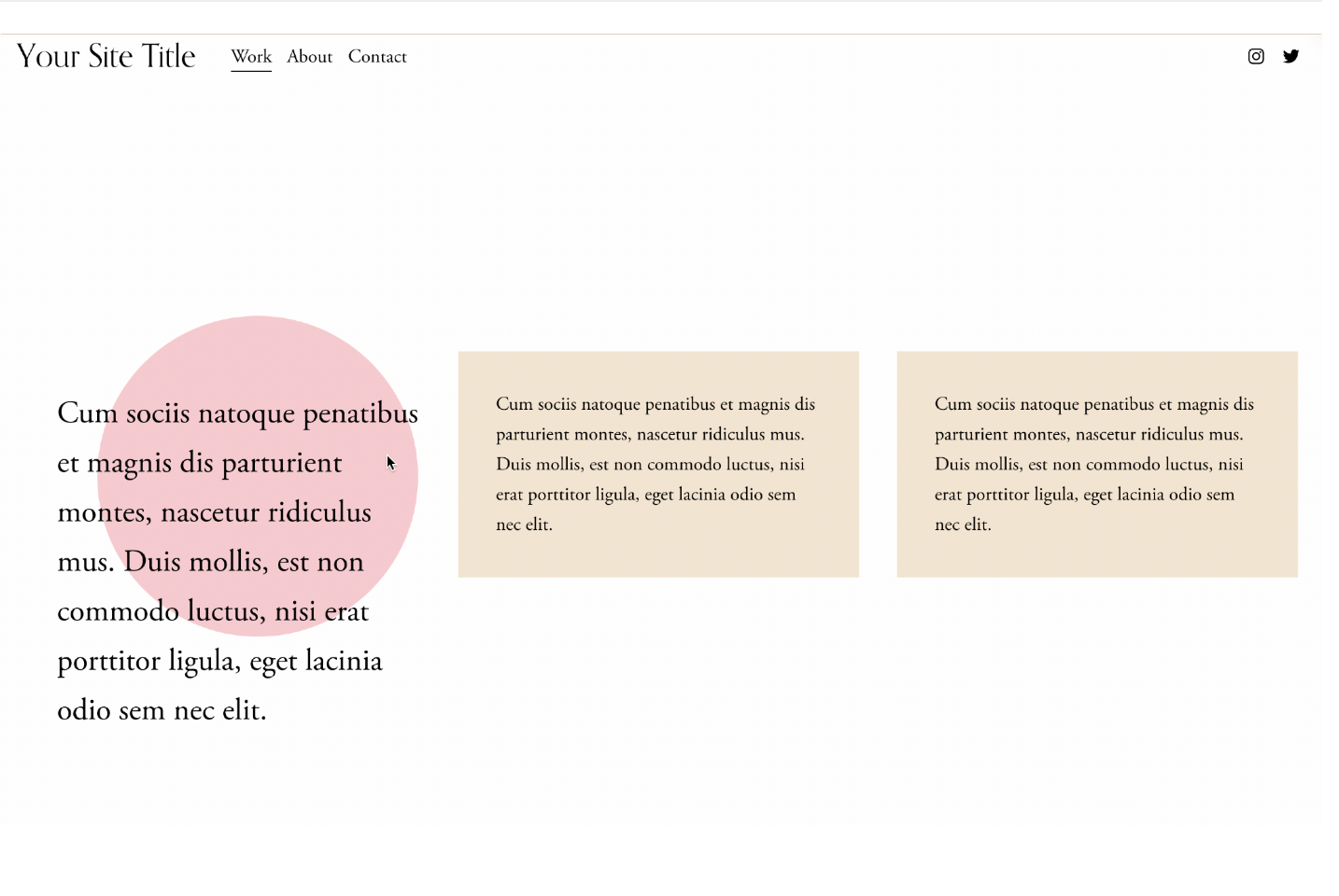
What You'll Create
Text blocks with decorative background shapes that animate on hover. The background can change color, transform into circles, or shift position when visitors interact with the text, creating playful, engaging content areas.
The Problem It Solves
Squarespace text blocks have no built-in background styling. When you want colored backgrounds behind text that respond to hover with creative animations - morphing shapes, color changes, or movement - you need CSS pseudo-elements to create these interactive backgrounds.
Perfect For
Feature callouts, Interactive about sections, Service descriptions, Team bios, Portfolio introductions.
What Makes This Different
CSS pseudo-elements create colored backgrounds behind text blocks that respond to hover states. The technique enables dramatic transformations - rectangles morphing into circles, colors shifting, backgrounds scaling or moving. Combined with text styling changes on hover, this creates memorable interactive moments.
Details
Section Type: Fluid & Classic
Code Type: CSS
Prerequisites: Section selector with text blocks
Toolkit Title: Text Block Backgrounds
Learn This Technique
This is one of 150+ code techniques taught inside Standout Squarespace, where you get:
The complete, copy-paste code
Video walkthrough explaining how it works
The principles behind the technique so you can customize it
Access to our private community for support