

Blog Post Full-Width Banner
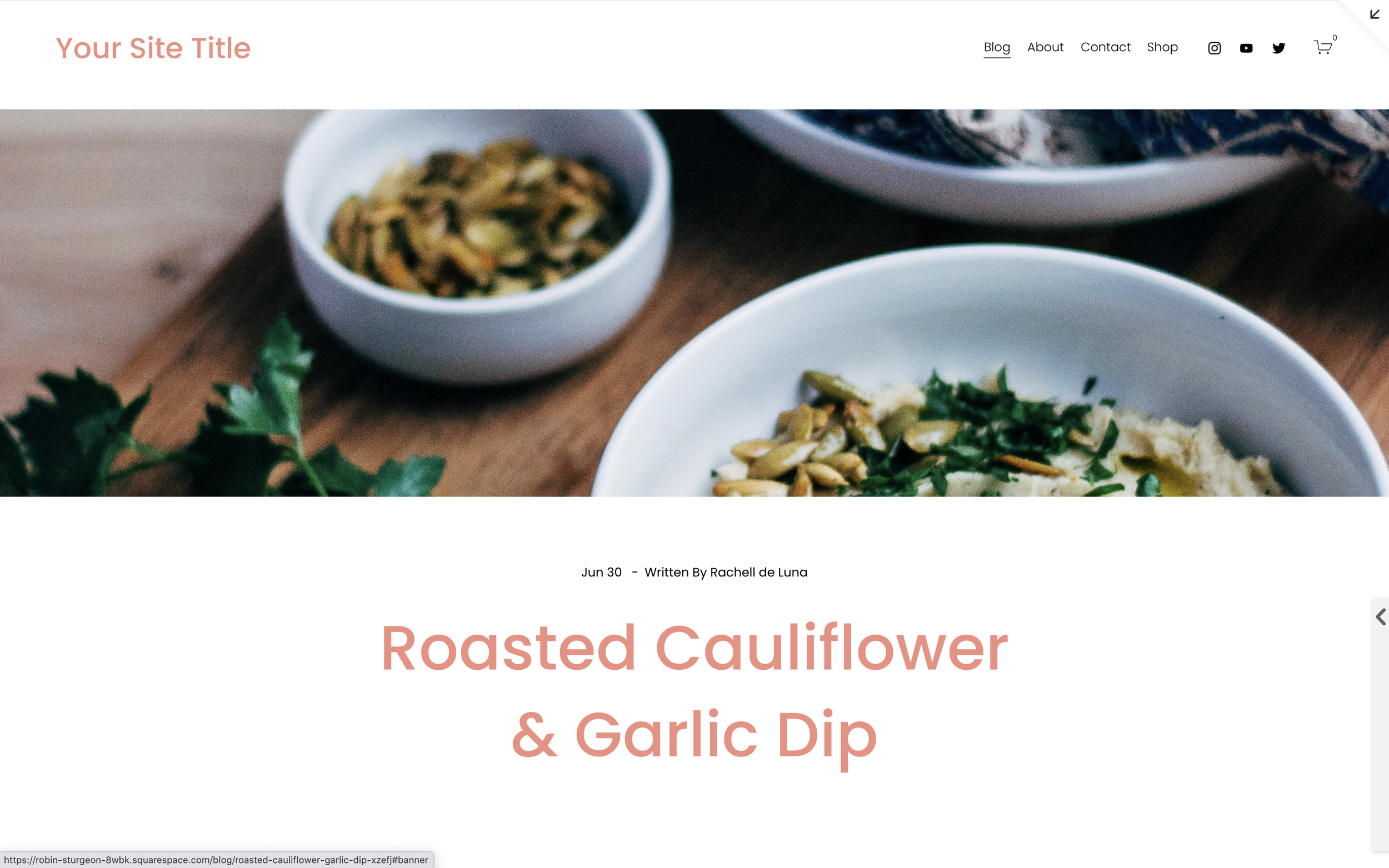
What You'll Create
A full-width banner image at the top of your blog posts that creates a magazine-style header. The banner spans edge-to-edge above your content for a bold, editorial look.
The Problem It Solves
Squarespace blog posts don't have a native full-width banner option. The featured image appears in a fixed location within the content area. This technique lets you designate any image within your post to become a full-width banner at the top.
Perfect For
Editorial blogs, Magazine layouts, Photography blogs, Feature articles, Story-driven content
What Makes This Different
This technique uses a keyword trigger (#banner in the image URL) to identify which image becomes the banner. JavaScript moves it to the top and CSS styles it as a full-width cover image. Works with both 7.0 Brine and 7.1 templates.
Details
Section Type: Fluid & Classic
Code Type: CSS + JavaScript
Prerequisites: Image block with #banner in URL slug
Toolkit Title: Blog Post Banner
Learn This Technique
This is one of 150+ code techniques taught inside Standout Squarespace, where you get:
The complete, copy-paste code
Video walkthrough explaining how it works
The principles behind the technique so you can customize it
Access to our private community for support