

Blog Post Full-Width Sections
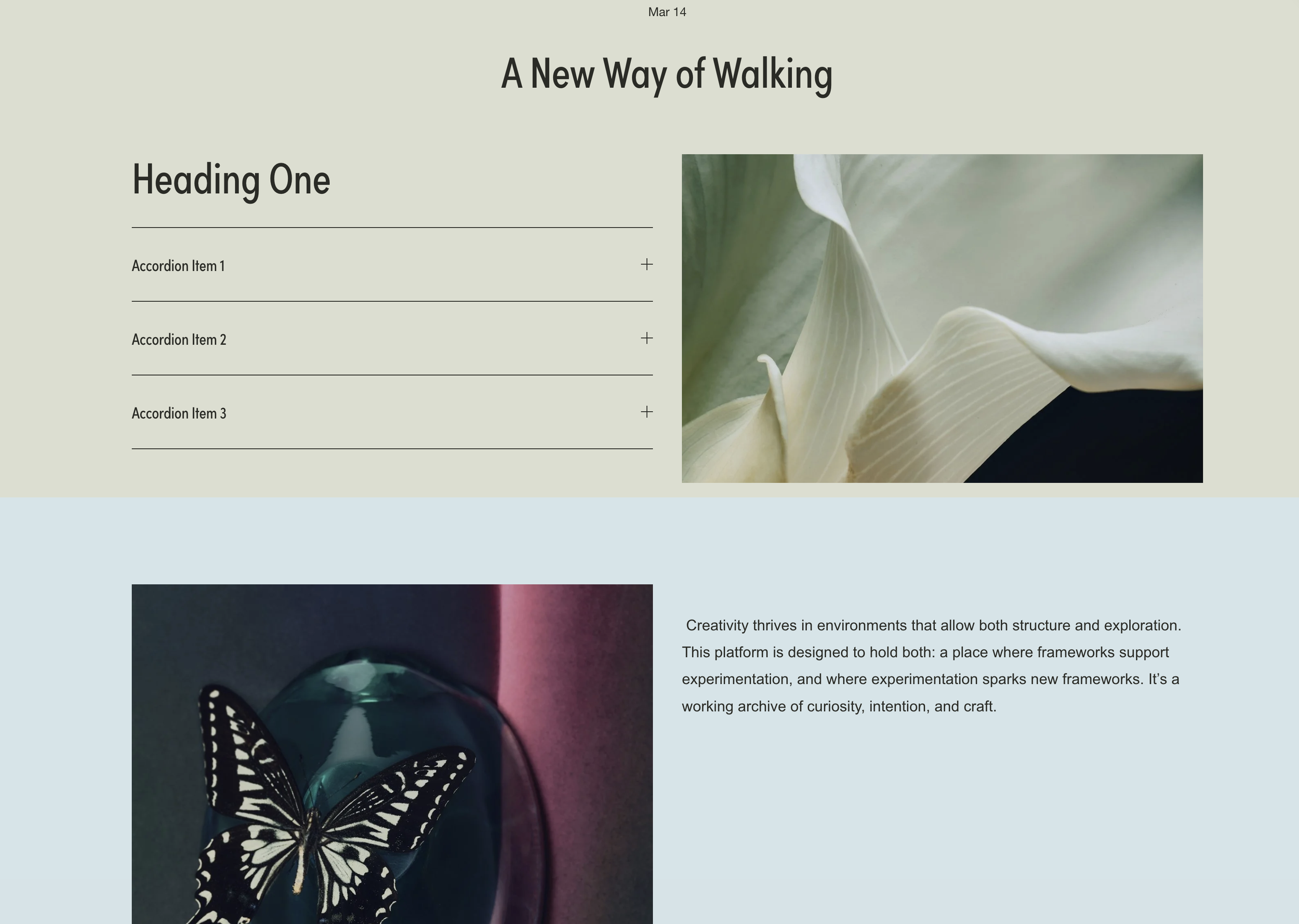
What You'll Create
Add full-width colored background sections to your Squarespace blog posts that break out of the standard content container. Code blocks become invisible dividers that trigger massive colored backgrounds extending edge-to-edge, while text content stays properly centered and readable.
The Problem It Solves
Squarespace blog posts are confined to a narrow content width with no native way to add full-bleed section backgrounds. Creating visual breaks or highlighting key content sections requires workarounds. This technique uses CSS pseudo-elements on divider blocks to paint backgrounds that extend far beyond the content area.
Perfect For
Long-form blog posts needing visual breaks, featured quote sections, call-to-action areas within articles, highlighted key takeaways, visual chapter separations in storytelling posts.
What Makes This Different
This technique breaks your blog content free from its narrow container while keeping text readable and centered. You add simple divider elements where you want color sections to begin, and the backgrounds extend all the way to the edges of the screen. You can have multiple colored sections throughout a single post, each with its own color. The text and images stay properly formatted within the readable width while the backgrounds create dramatic visual impact.
Details
Section Type: Classic
Code Type: CSS
Prerequisites: Blog post with code blocks containing divider HTML (
<div class="divider first"></div>), custom CSS for divider colorsToolkit Title: Blog Post Sections
Learn This Technique
This is one of 150+ code techniques taught inside Standout Squarespace, where you get:
The complete, copy-paste code
Video walkthrough explaining how it works
The principles behind the technique so you can customize it
Access to our private community for support