

Blog Post Synced CTA Block
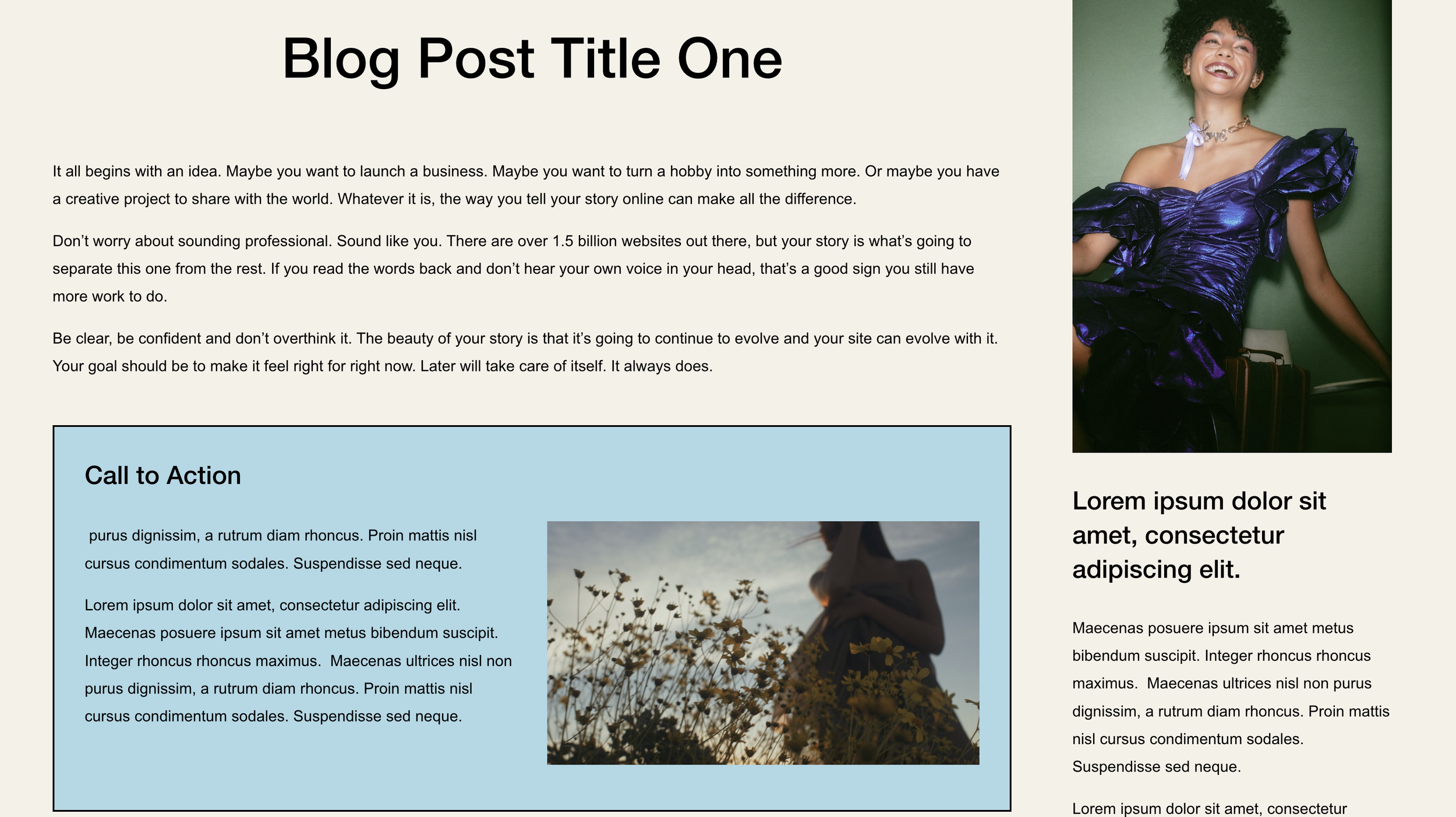
What You'll Create
A synced content block that appears at the bottom of every blog post in a collection. Edit the content once in your footer, and it automatically shows on all posts - perfect for CTAs, opt-ins, or about sections.
The Problem It Solves
Adding the same CTA or content block to every blog post is tedious and hard to maintain. When you want to update your call-to-action across 50 posts, you'd need to edit each one. This technique syncs content from a single source.
Perfect For
Email opt-ins, Product promotions, About the author, Service CTAs, Related content sections
What Makes This Different
This technique uses a footer section with a specific content width (67%) as the content source. JavaScript moves it into every blog post, and you style it however you want. One edit updates all posts automatically.
Details
Section Type: Fluid & Classic
Code Type: CSS + JavaScript
Prerequisites: Classic section in footer with 67% content width
Toolkit Title: Blog Post Synced Content
Learn This Technique
This is one of 150+ code techniques taught inside Standout Squarespace, where you get:
The complete, copy-paste code
Video walkthrough explaining how it works
The principles behind the technique so you can customize it
Access to our private community for support