

Navigation Item Custom Font Accent
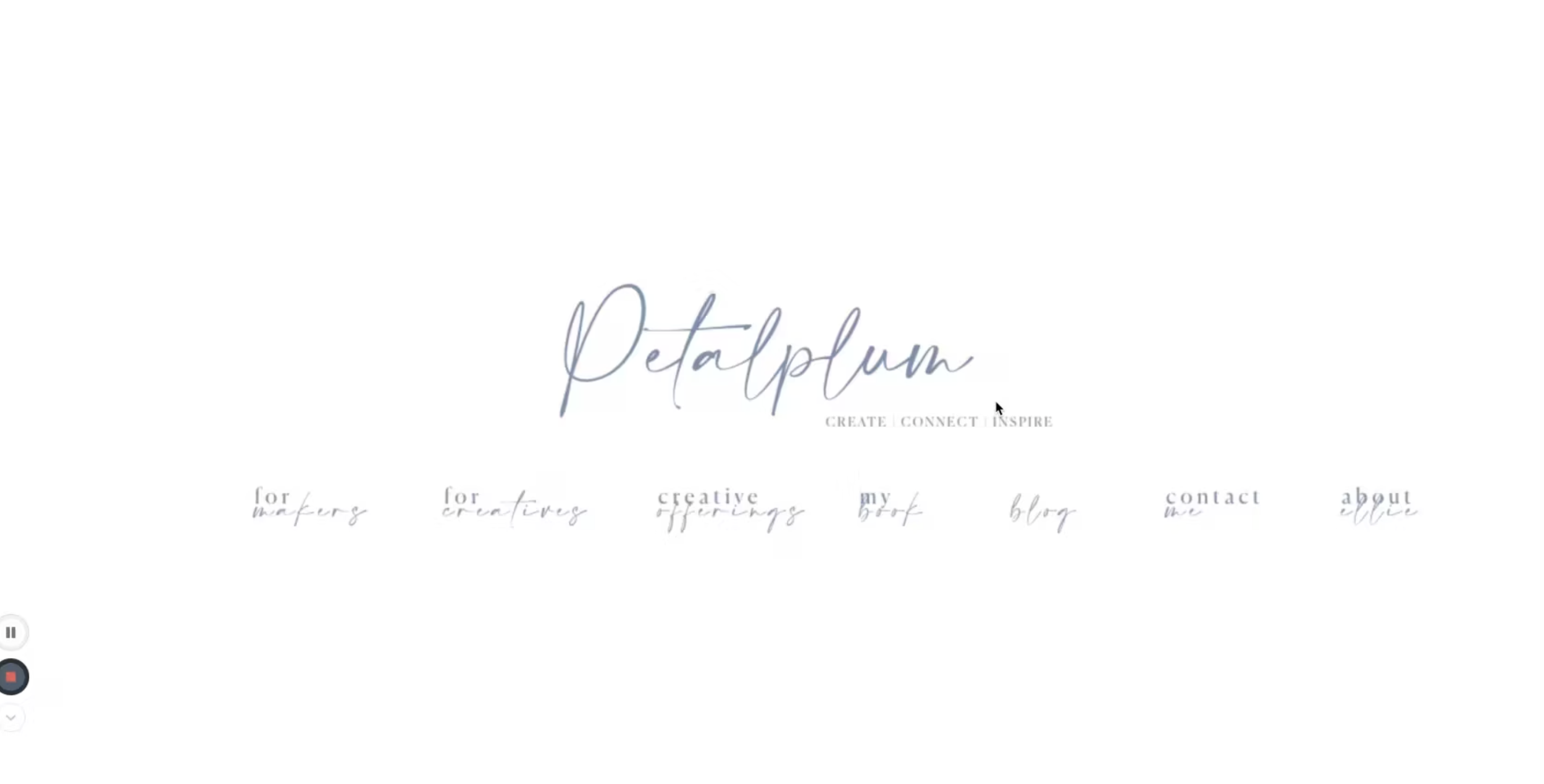
What You'll Create
Navigation items with mixed typography - add decorative text, different fonts, or accent elements after specific nav links using CSS pseudo-elements. Create visual interest in your header navigation.
The Problem It Solves
Squarespace navigation items all use the same font styling. When you want one nav item to include a decorative script font, an icon, or additional text alongside the main link, you need CSS pseudo-elements to inject custom content.
Perfect For
Brand accents, Call-to-action highlights, Decorative navigation, Script font additions, Visual variety in headers
What Makes This Different
This technique uses the ::after pseudo-element with the content property to add custom text or elements after a specific nav link. You can apply different fonts, sizes, and styling to create visual contrast.
Details
Section Type: Fluid & Classic
Code Type: CSS
Prerequisites: Navigation with target link URL
Toolkit Title: Nav Item Different Font style
Learn This Technique
This is one of 150+ code techniques taught inside Standout Squarespace, where you get:
The complete, copy-paste code
Video walkthrough explaining how it works
The principles behind the technique so you can customize it
Access to our private community for support