

Blur Images on Hover
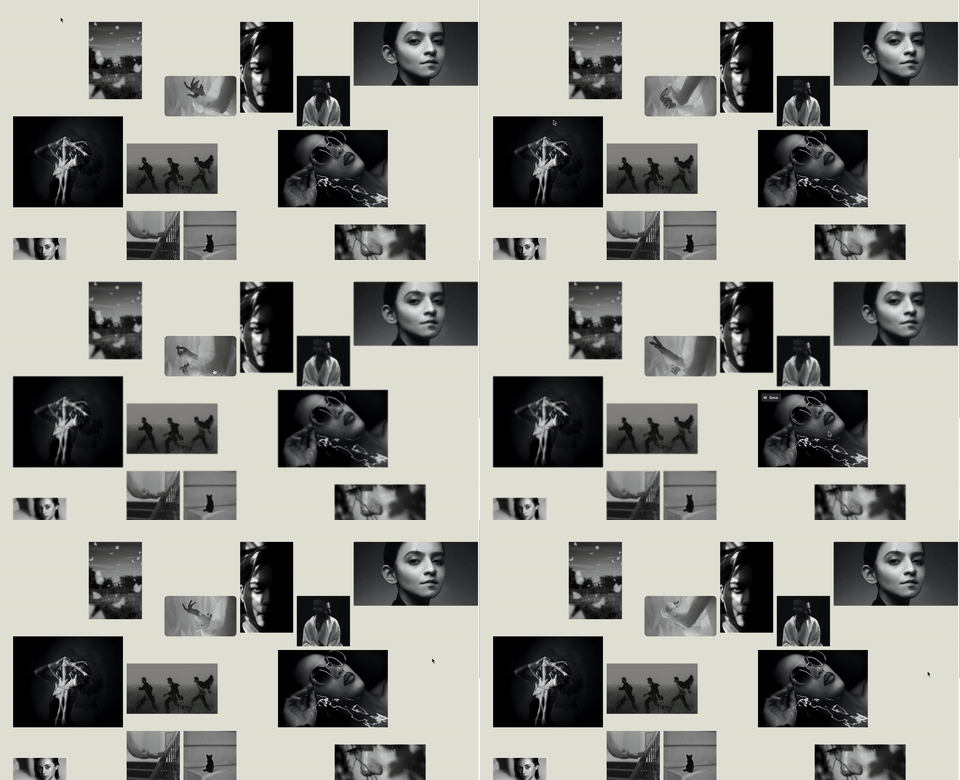
What You'll Create
A blur effect where all images and videos in a section appear slightly blurred until you hover over them. The hovered element comes into sharp focus while others stay blurred, drawing attention to what visitors are exploring.
The Problem It Solves
Squarespace doesn't offer blur effects as a native hover state. When you want to create visual depth and guide visitor attention by keeping non-focused elements softly blurred, you need custom CSS.
Perfect For
Portfolio galleries, Image grids, Team photos, Product displays, Featured content sections.
What Makes This Different
This is one of the simplest techniques in the library - just a few lines of CSS using the :not(:hover) pseudo-class selector. All images and videos start with a subtle blur filter that's removed on hover. The effect creates instant visual hierarchy without any JavaScript or complex setup.
Details
Section Type: Fluid Engine
Code Type: CSS
Prerequisites: Fluid section with multiple image or video blocks
Toolkit Title: Hover Blur
Learn This Technique
This is one of 150+ code techniques taught inside Standout Squarespace, where you get:
The complete, copy-paste code
Video walkthrough explaining how it works
The principles behind the technique so you can customize it
Access to our private community for support