

Fixed Side Navigation for Blog Posts
What You'll Create
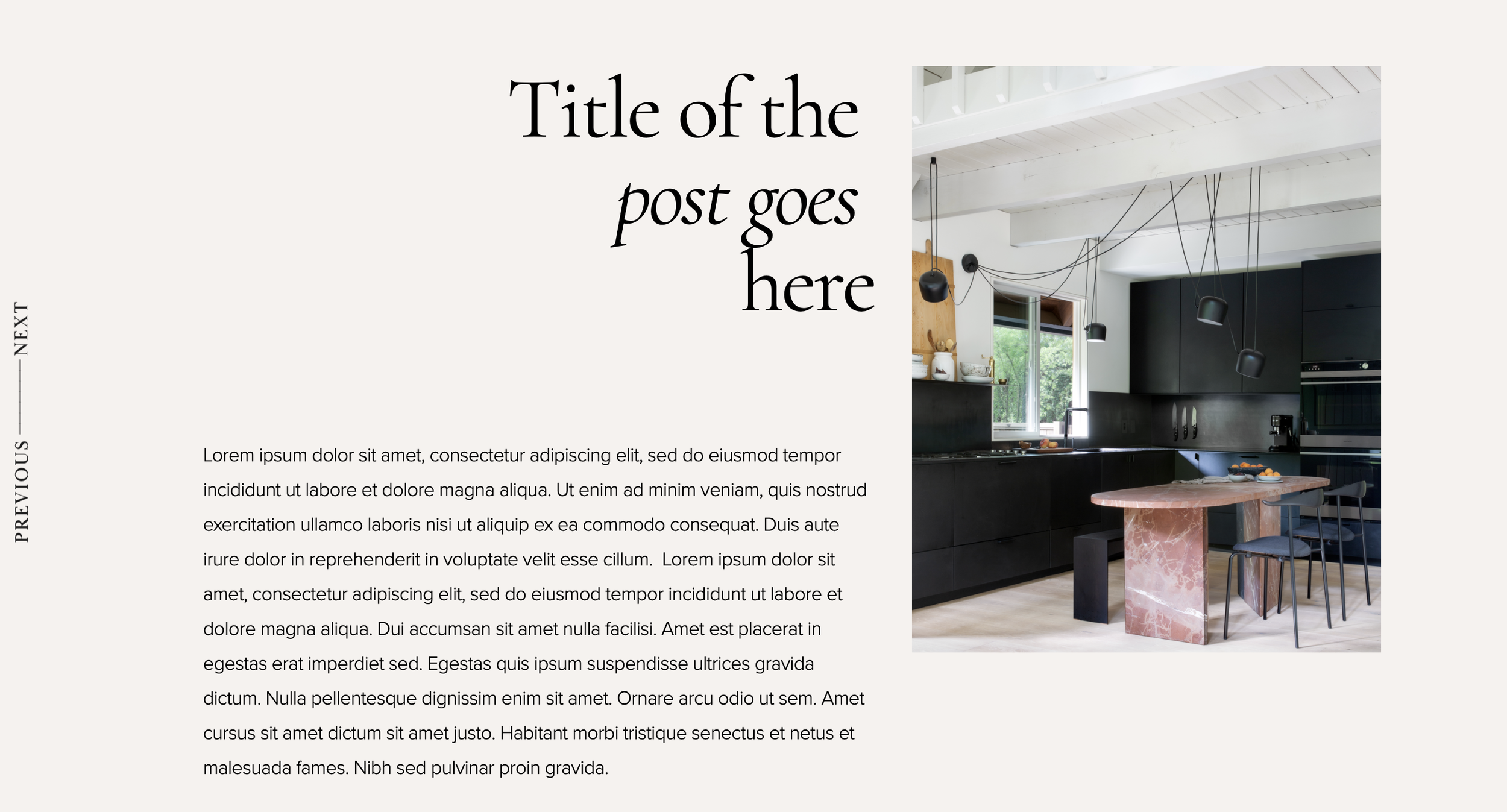
Fixed position previous/next navigation arrows for blog posts, displayed vertically on the sides of the screen.
The Problem It Solves
Default blog pagination is hidden at the bottom. This technique keeps navigation visible while reading, improving user experience.
Perfect For
Blog posts, Portfolio items, Editorial sites, Long-form content, Magazine layouts.
What Makes This Different
CSS fixed positioning places pagination links on screen edges with rotated text, always accessible regardless of scroll position.
Details
Section Type: Fluid & Classic
Code Type: CSS
Prerequisites: Blog or Portfolio collection
Toolkit Title: Fixed Navigation for Blogs
Learn This Technique
This is one of 150+ code techniques taught inside Standout Squarespace, where you get:
The complete, copy-paste code
Video walkthrough explaining how it works
The principles behind the technique so you can customize it
Access to our private community for support