

Fluid Section Full Width
What You'll Create
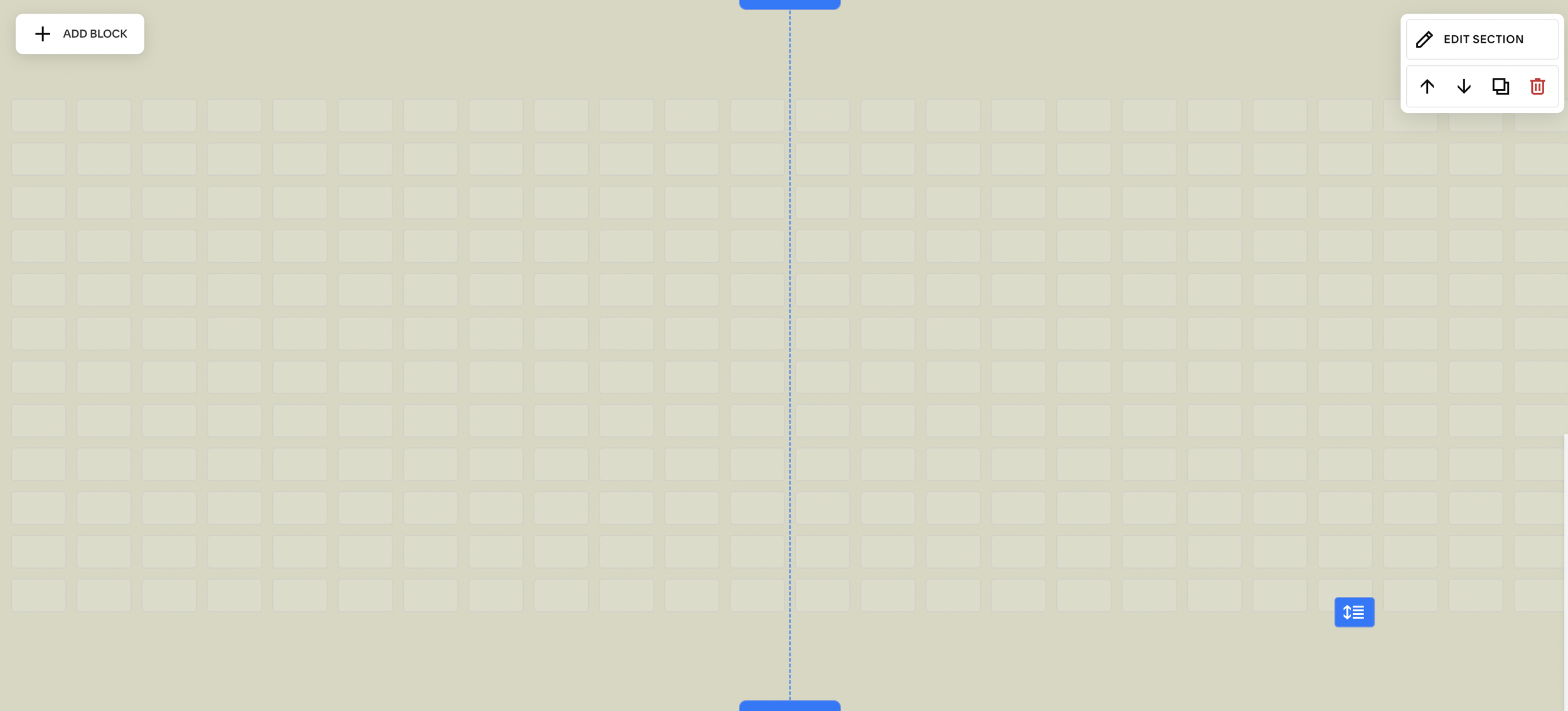
Fluid Engine sections that stretch completely to the browser edges, ignoring your site's content width and margin settings. Content within the section can extend from edge to edge for dramatic full-bleed layouts.
The Problem It Solves
Even in Fluid Engine, sections respect your site's maximum content width and gutters. If you want a section to truly span the full viewport width—for hero images, immersive galleries, or edge-to-edge backgrounds—Squarespace's settings don't allow it without custom code.
Perfect For
Hero sections, Full-bleed image galleries, Edge-to-edge backgrounds, Immersive landing pages, Feature showcases
What Makes This Different
This technique overrides the built-in width constraints specifically for targeted sections, so the rest of your site maintains its normal layout. You can have certain sections break free to full width while others stay within your standard content boundaries. It's a foundational technique that opens up more dramatic layout possibilities.
Details
Section Type: Fluid Engine
Code Type: CSS
Prerequisites: Fluid Engine section with section anchor ID for scoping
Toolkit Title: Fluid Section Full Width
Learn This Technique
This is one of 150+ code techniques taught inside Standout Squarespace, where you get:
The complete, copy-paste code
Video walkthrough explaining how it works
The principles behind the technique so you can customize it
Access to our private community for support