

Mix Blend Mode Cursor Effect
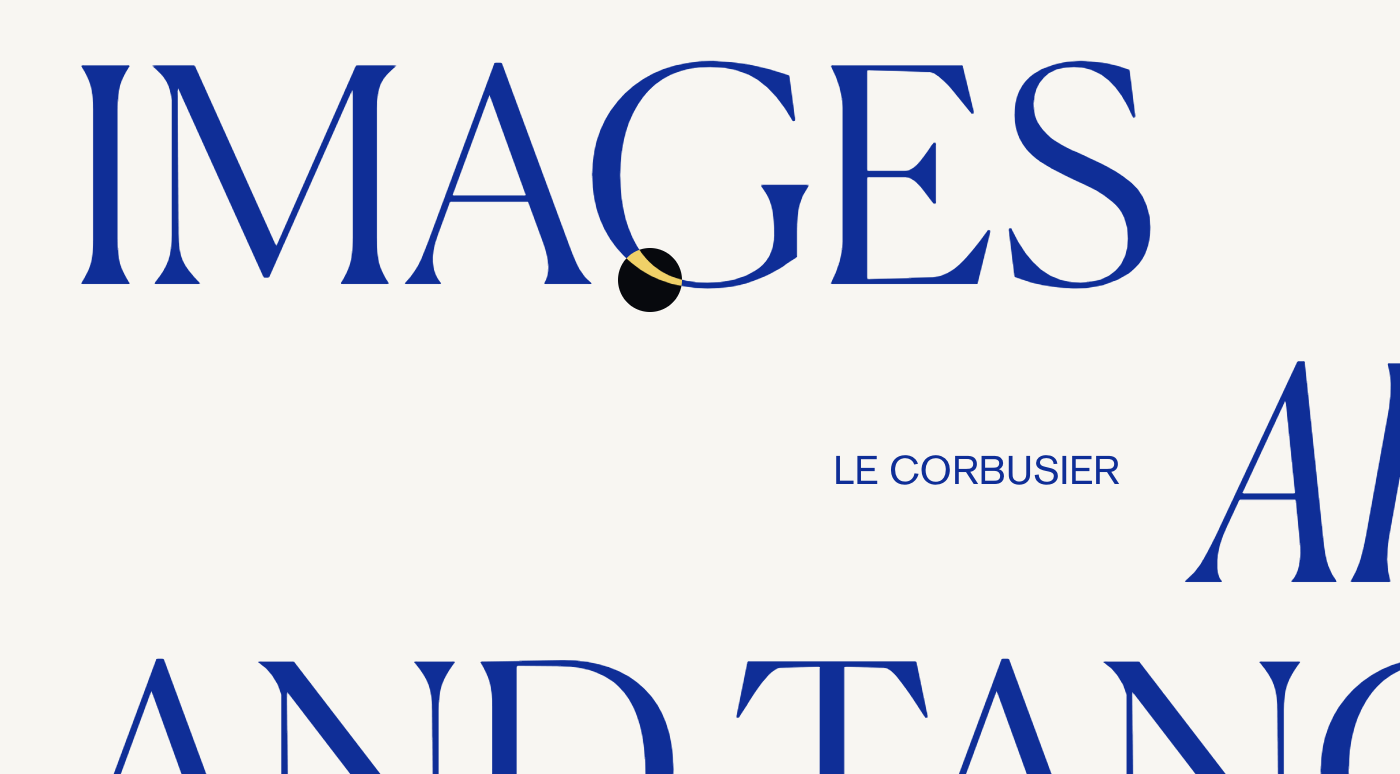
What You'll Create
A mix-blend-mode cursor effect that follows the mouse with a circular blend shape. The cursor inverts colors as it moves over different content, creating a striking visual effect.
The Problem It Solves
Standard cursors are invisible against your design. When you want a bold, attention-grabbing cursor that interacts visually with your content through color blending, you need JavaScript to track mouse movement plus CSS mix-blend-mode.
Perfect For
Creative agencies, Portfolio sites, Interactive art, Modern brands, Experimental designs
What Makes This Different
This technique uses jQuery to track mouse position and move a custom div element. The mix-blend-mode:difference creates the color-inverting effect. The cursor grows larger on hover over links. Touch devices are detected and the cursor is hidden on mobile.
Details
Section Type: Fluid & Classic
Code Type: JavaScript
Prerequisites: jQuery library reference
Toolkit Title: Custom Cursor
Learn This Technique
This is one of 150+ code techniques taught inside Standout Squarespace, where you get:
The complete, copy-paste code
Video walkthrough explaining how it works
The principles behind the technique so you can customize it
Access to our private community for support