

Button with Arrow Icon
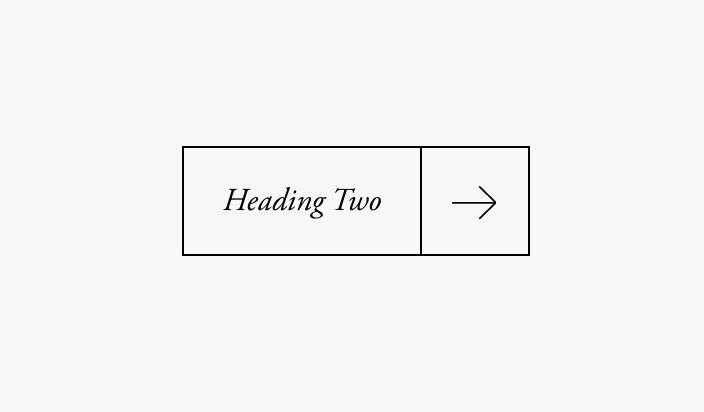
What You'll Create
Buttons with bordered styling and arrow icons that appear alongside the button text, creating a distinctive split-button look with hover effects.
The Problem It Solves
Standard Squarespace buttons are limited in design options. This technique adds sophisticated arrow icons and creates a bordered, segmented button style that stands out from typical designs.
Perfect For
Modern portfolios, Architectural sites, Fashion brands, Design agencies, High-end service businesses.
What Makes This Different
CSS pseudo-elements add SVG arrow icons positioned beside the button text with their own bordered section. Multiple variations available for text links and medium button sizes. Hover states change colors smoothly.
Details
Section Type: Classic
Code Type: CSS
Prerequisites: Button block or text link styled as "small"
Toolkit Title: Pseudo Button with Arrow
Learn This Technique
This is one of 150+ code techniques taught inside Standout Squarespace, where you get:
The complete, copy-paste code
Video walkthrough explaining how it works
The principles behind the technique so you can customize it
Access to our private community for support