

Portfolio Collection Sidebar Navigation
What You'll Create
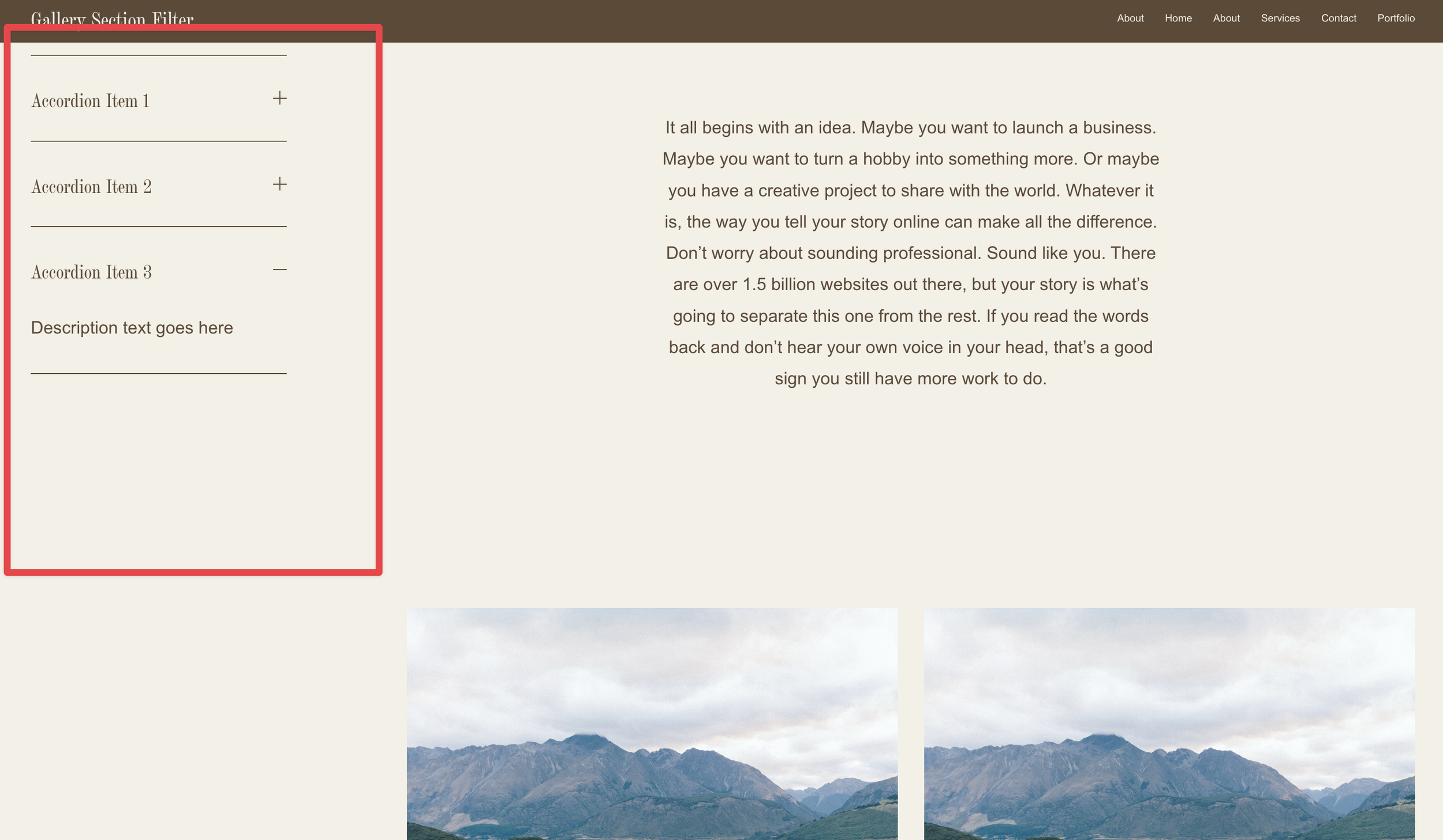
A portfolio page layout with a sticky sidebar that remains visible as visitors scroll through your projects. The sidebar can contain any content you want—navigation links, contact info, about text, or call-to-action buttons.
The Problem It Solves
Squarespace's portfolio collections don't natively support sidebar layouts. This technique restructures the page to display your portfolio grid alongside a custom sidebar, giving you more control over the viewing experience and providing persistent navigation or information.
Perfect For
Creative agency portfolios, Photography galleries, Design showcases, Architecture project listings, Artist portfolios
What Makes This Different
This technique cleverly repurposes a footer section as a sidebar by moving it into the main content area using JavaScript. The sidebar stays fixed in place as visitors scroll through the portfolio grid, keeping important information always visible. On mobile devices, the sidebar gracefully hides to maintain a clean viewing experience for smaller screens.
Details
Section Type: Fluid & Classic
Code Type: CSS + JavaScript
Prerequisites: Portfolio collection with grid overlay layout, sidebar content added as first footer section, code in Portfolio page header injection
Toolkit Title: Portfolio Collection Sidebar
Learn This Technique
This is one of 150+ code techniques taught inside Standout Squarespace, where you get:
The complete, copy-paste code
Video walkthrough explaining how it works
The principles behind the technique so you can customize it
Access to our private community for support