

Weglot Language Switcher Custom Design
What You'll Create
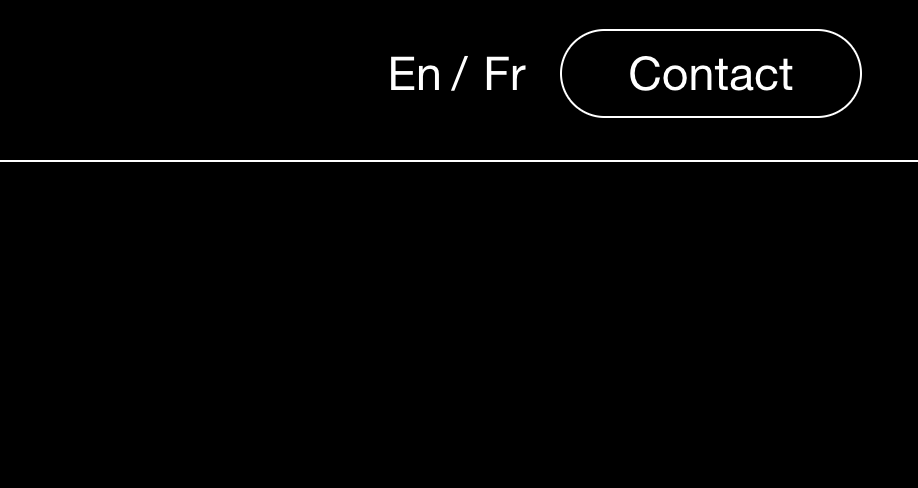
A modern inline language switcher that displays language codes (like "En / Fr") side by side in your header instead of Weglot's default dropdown menu. The design is minimal, elegant, and works seamlessly on both desktop and mobile.
The Problem It Solves
Weglot's default language picker appears as a dropdown that can look bulky and interrupt the flow of a well-designed header. This technique transforms it into a compact, inline switcher that integrates naturally with your navigation design.
Perfect For
Multilingual business sites, International portfolios, Tourism websites, Global e-commerce stores, Language learning platforms
What Makes This Different
This technique completely reimagines the language switcher by hiding the dropdown behavior and displaying all language options as a horizontal list separated by slashes. The current language indicator is hidden, creating a cleaner look where visitors simply click the language they want. The design adapts smoothly to mobile by maintaining the same inline appearance rather than reverting to a cramped dropdown.
Details
Section Type: Fluid & Classic
Code Type: CSS
Prerequisites: Weglot integration installed, GSAP animation library in footer code injection
Toolkit Title: Weglot Language Switch Alternative Styling
Learn This Technique
This is one of 150+ code techniques taught inside Standout Squarespace, where you get:
The complete, copy-paste code
Video walkthrough explaining how it works
The principles behind the technique so you can customize it
Access to our private community for support