

Portfolio Hover Follow Buttons
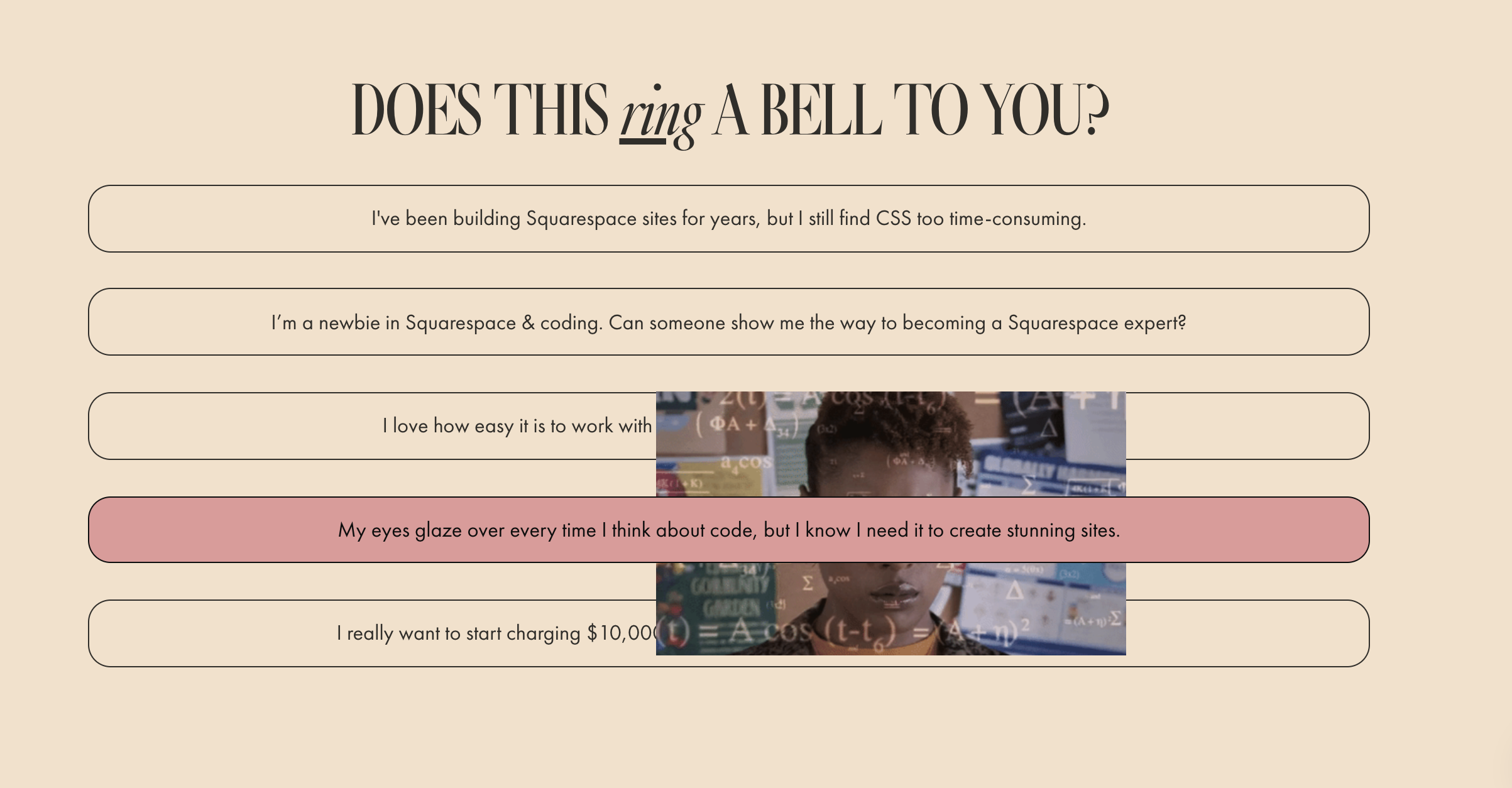
What You'll Create
Portfolio hover follow layout with custom-styled project titles displayed as pill-shaped buttons that change color on hover.
The Problem It Solves
The default Portfolio Hover Follow layout is functional but visually plain. This technique transforms project titles into stylish interactive buttons with rounded corners and hover color changes.
Perfect For
Creative portfolios, Photography showcases, Design agencies, Art galleries, Project case studies.
What Makes This Different
CSS targets nth-child selectors to style all portfolio items except the first (which typically shows the preview image). Border radius creates pill shapes, and hover states apply background color changes for visual feedback.
Details
Section Type: Fluid Engine
Code Type: CSS
Prerequisites: Portfolio section set to Hover Follow layout
Toolkit Title: Portfolio Hover Follow
Learn This Technique
This is one of 150+ code techniques taught inside Standout Squarespace, where you get:
The complete, copy-paste code
Video walkthrough explaining how it works
The principles behind the technique so you can customize it
Access to our private community for support