

Text Toggles in List Sections
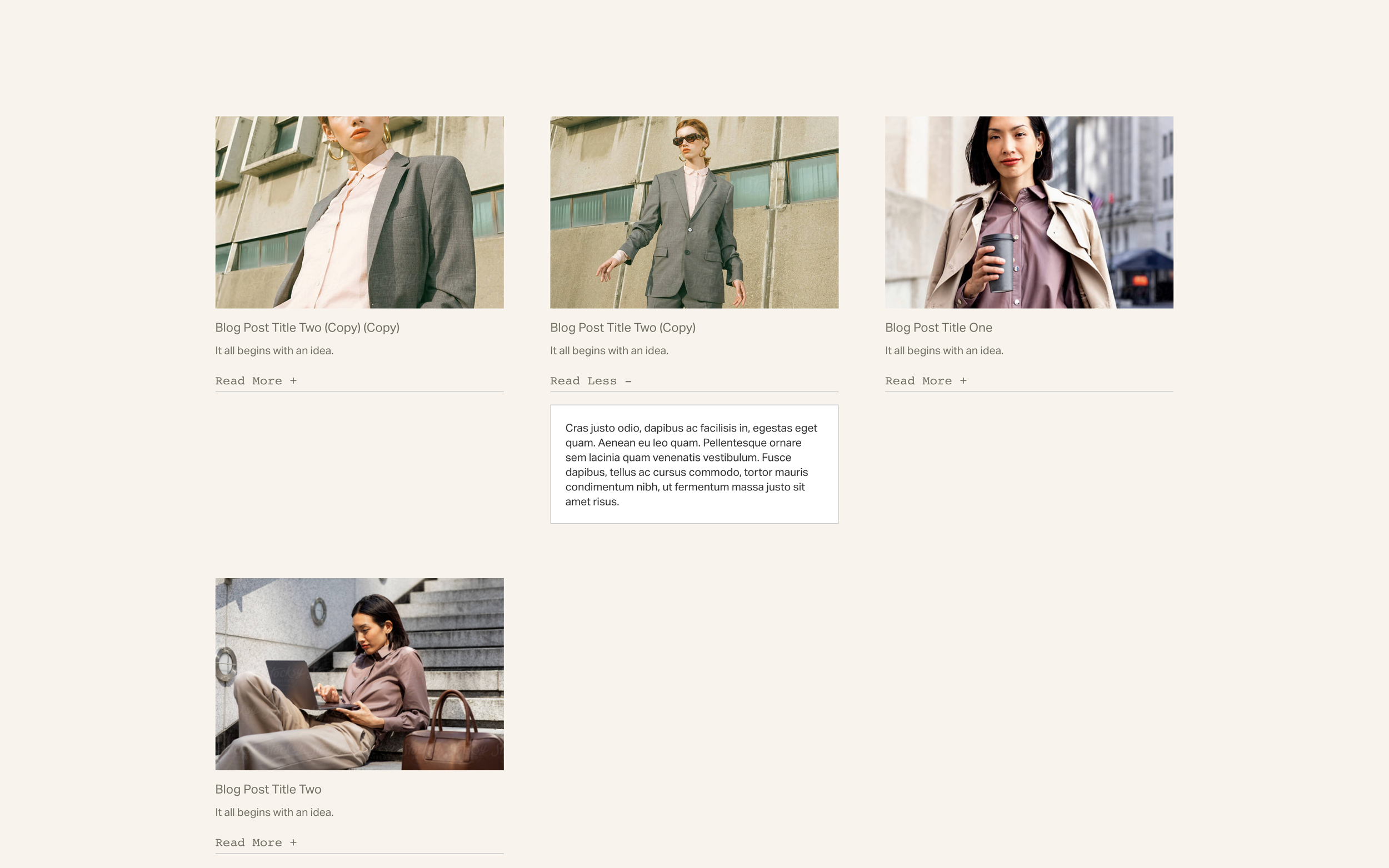
What You'll Create
Expandable text toggles within Auto Layout List Sections - click to reveal additional content formatted in italics within list item descriptions.
The Problem It Solves
List Section descriptions can get lengthy and overwhelming. This technique lets you hide detailed content behind "Read More" toggles, keeping the initial view clean while making expanded info accessible.
Perfect For
Service details, Team bios, Product descriptions, FAQ-style lists, Expandable portfolios.
What Makes This Different
jQuery detects italic text in descriptions and converts it to toggleable content. Click the toggle text to expand/collapse. "Read More" changes to "Read Less" when open.
Details
Section Type: Fluid Engine
Code Type: CSS + JavaScript
Prerequisites: List Section with italic text in descriptions; jQuery library
Toolkit Title: Text Toggles for Auto-layout Lists
Learn This Technique
This is one of 150+ code techniques taught inside Standout Squarespace, where you get:
The complete, copy-paste code
Video walkthrough explaining how it works
The principles behind the technique so you can customize it
Access to our private community for support