

Attach Product Additional Info to Description
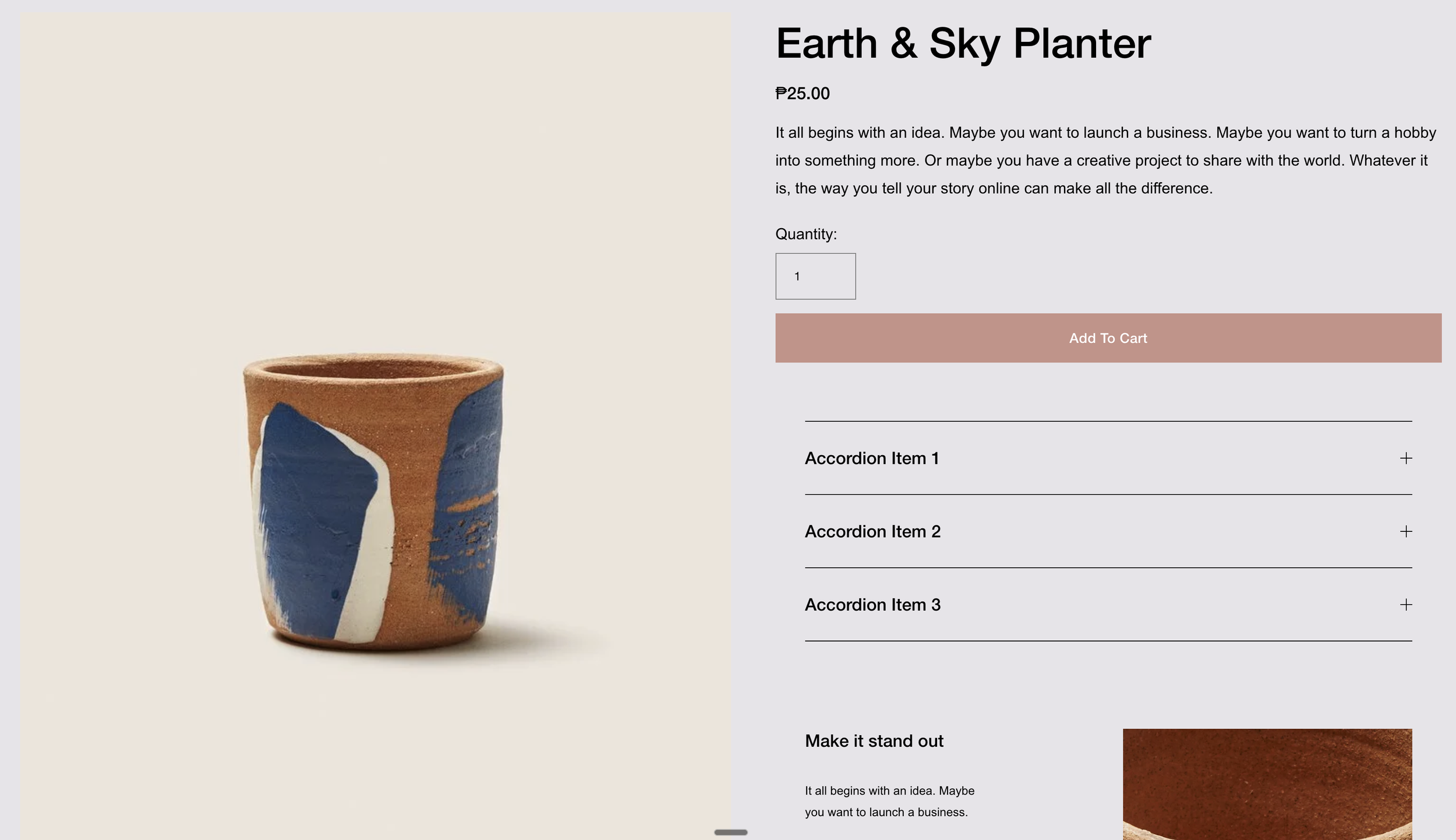
What You'll Create
Move the Product Additional Info section to appear directly within the product description area instead of its default location. This creates a more cohesive product information layout where all details appear together.
The Problem It Solves
Squarespace places Additional Info (like size guides, care instructions, or shipping details) in a fixed location on product pages. When you want this information closer to the main product description for better readability, there's no native option. This technique repositions it dynamically.
Perfect For
Product detail pages, Size guide placement, Care instruction display, Shipping info positioning, Custom product layouts
What Makes This Different
This technique clones the Additional Info element and appends it to the product meta section, then hides the original. Works specifically with Simple Layout product pages in Squarespace 7.1. Clean JavaScript execution on page load.
Details
Section Type: Fluid & Classic
Code Type: JavaScript
Prerequisites: Simple Layout product page, Additional Info content added
Toolkit Title: Attach Product Additional Info to Product Description
Learn This Technique
This is one of 150+ code techniques taught inside Standout Squarespace, where you get:
The complete, copy-paste code
Video walkthrough explaining how it works
The principles behind the technique so you can customize it
Access to our private community for support