

Show/Hide Sections Based on Dropdown Selection
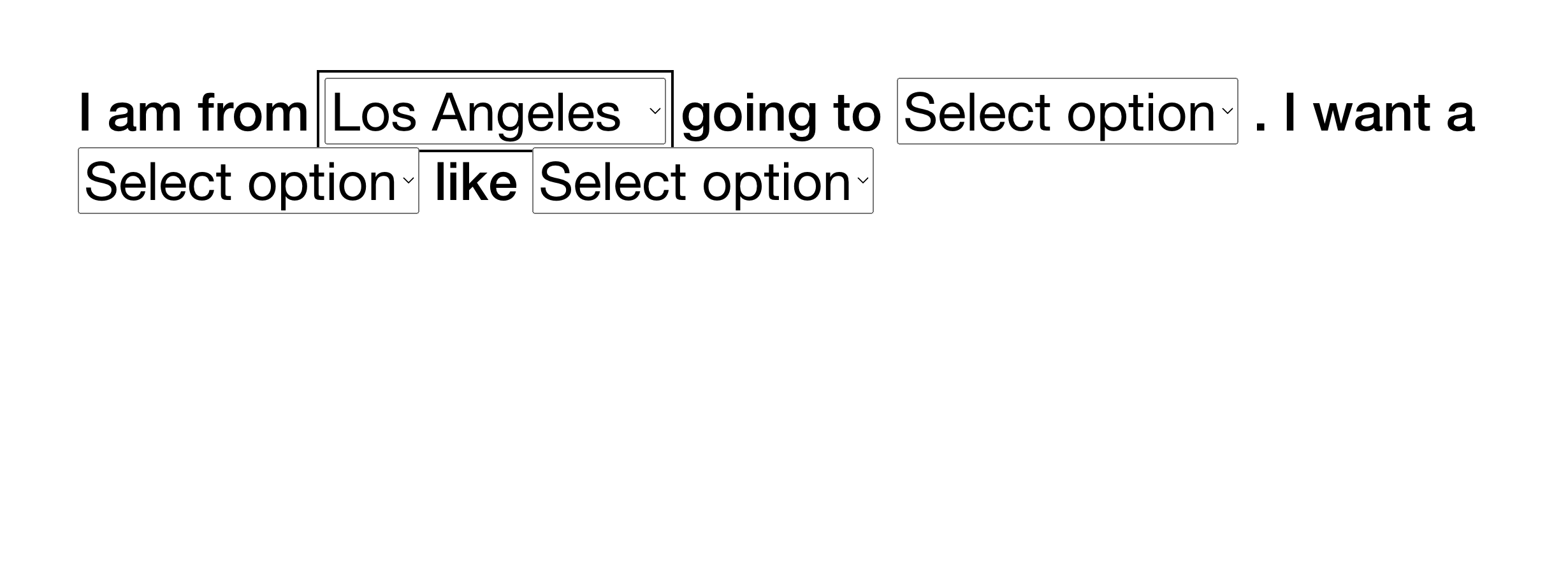
What You'll Create
A personalized page experience where visitors make selections from dropdown menus, and different sections of your page appear or disappear based on their choices. Perfect for creating customized journeys, product finders, or location-based content displays.
The Problem It Solves
Squarespace has no built-in way to show different content based on user selections. If you want to create a "choose your own adventure" style page or filter content based on multiple criteria, you'd normally need complex third-party tools or separate pages for each combination.
Perfect For
Product recommendation quizzes, Location-based service displays, Personalized consultation finders, Multi-criteria content filters, Interactive storytelling pages
What Makes This Different
This technique lets you create multiple dropdown menus that work together—visitors can make selections across several categories, and only the sections matching their exact combination will appear. Everything else stays hidden until the right combination is chosen. You control which section appears for which combination using simple class names in Squarespace's section settings. The dropdowns can be styled to match your site and placed anywhere on the page.
Details
Section Type: Fluid & Classic
Code Type: CSS + JavaScript
Prerequisites: Sections with specific class names (e.g., element1, element2), Code block for dropdown HTML
Toolkit Title: Show/Hide Sections based on dropdowns
Learn This Technique
This is one of 150+ code techniques taught inside Standout Squarespace, where you get:
The complete, copy-paste code
Video walkthrough explaining how it works
The principles behind the technique so you can customize it
Access to our private community for support