

Double Border Frame on Image Blocks
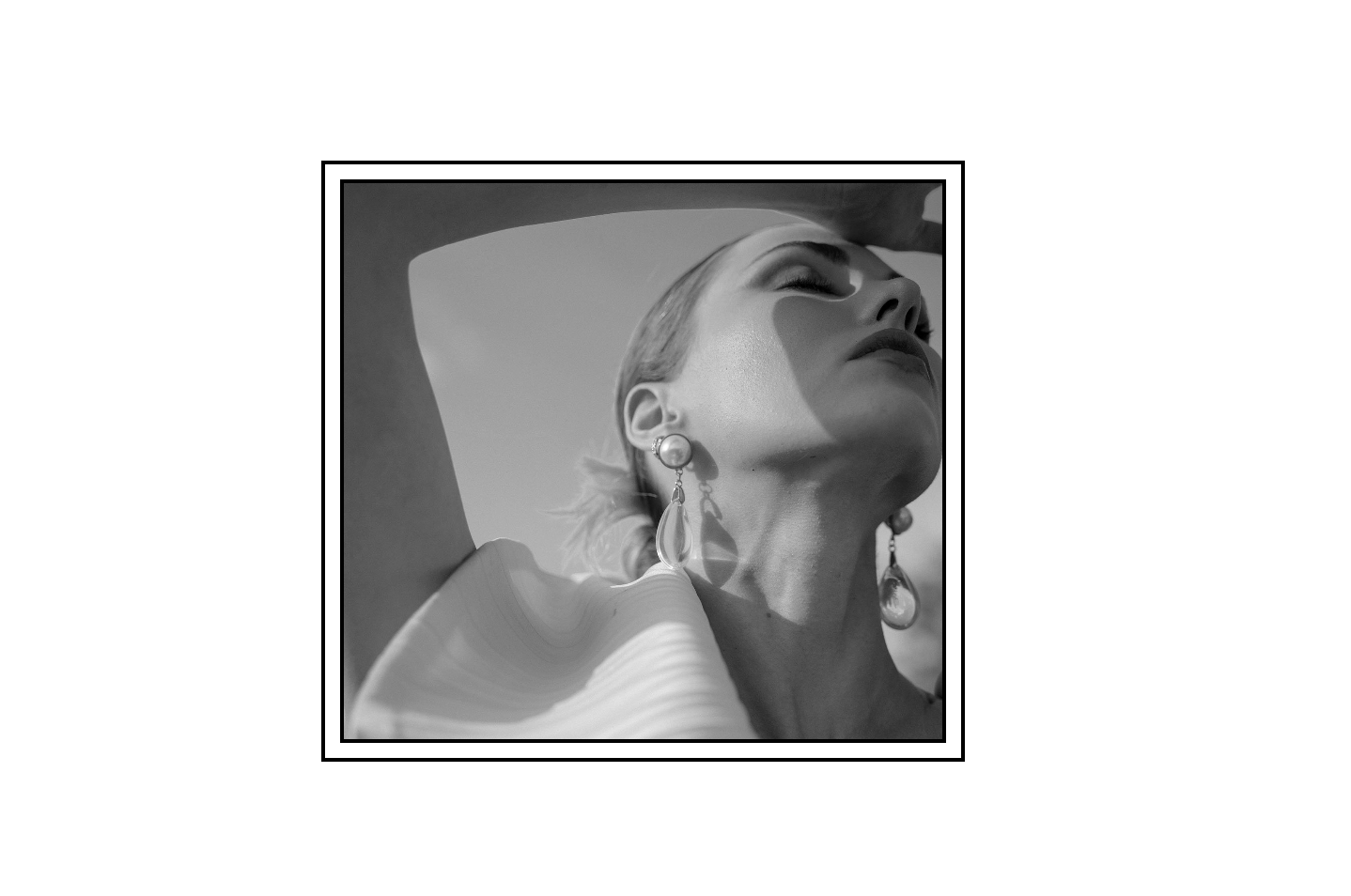
What You'll Create
A decorative double border effect on image blocks—an outer border with a gap, then an inner border hugging the image. Creates an elegant, framed look that adds sophistication to photos and graphics.
The Problem It Solves
Squarespace's image blocks don't have built-in border options, and the Design panel only offers basic styling. If you want that classic double-border frame effect (like a matted picture frame), there's no native way to achieve it without custom code.
Perfect For
Portfolio image showcases, About page headshots, Product feature images, Gallery accent pieces, Testimonial photos
What Makes This Different
This technique creates the double border entirely with styling—no extra elements or image editing needed. You control which images get the effect by adding a simple keyword to the image's alt text field. Images without the keyword remain unstyled. Works specifically with Fluid Engine image blocks set to "Fill" mode, giving you precise control over which images display the decorative frame.
Details
Section Type: Fluid Engine
Code Type: CSS
Prerequisites: Image block set to Fill mode, keyword added to alt text
Toolkit Title: Double Border on Image Blocks
Learn This Technique
This is one of 150+ code techniques taught inside Standout Squarespace, where you get:
The complete, copy-paste code
Video walkthrough explaining how it works
The principles behind the technique so you can customize it
Access to our private community for support