

Centered Carousel Arrows for Summary Block
What You'll Create
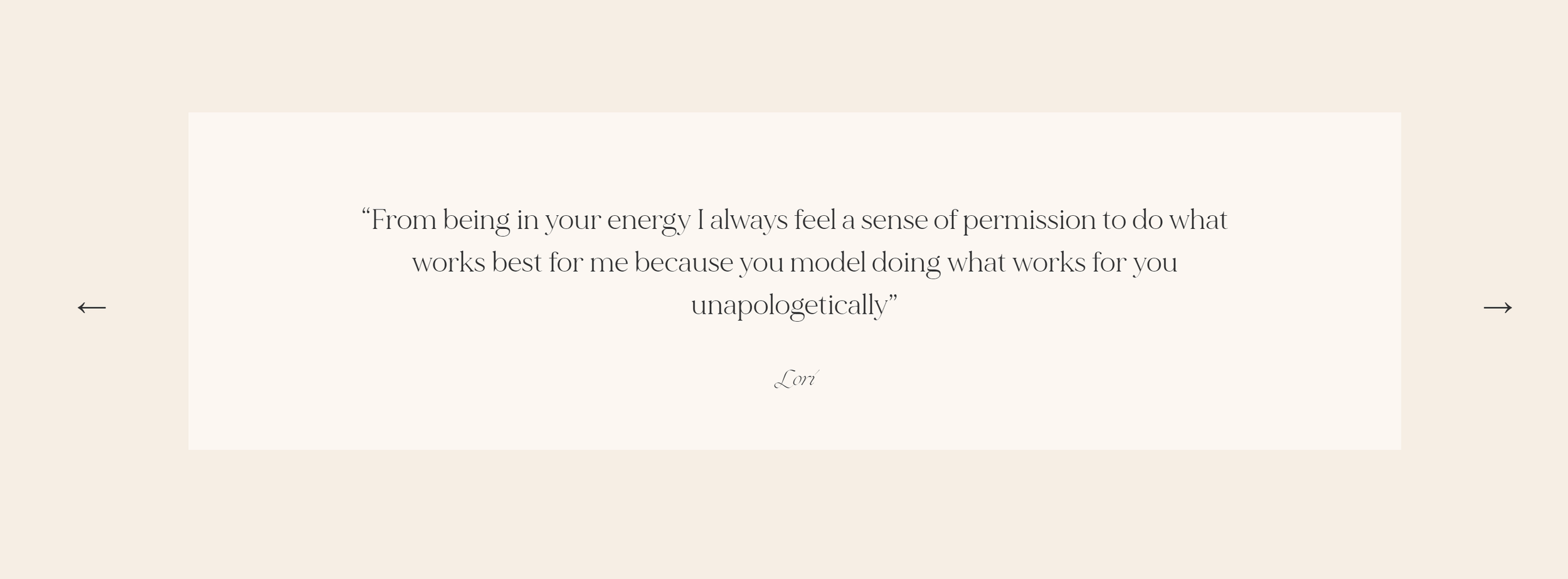
Carousel navigation arrows for your Squarespace summary block that sit perfectly centered vertically alongside your slides. The arrows use Unicode characters (← →) styled with custom positioning, appearing at -10% from each edge on desktop and flush with edges on mobile.
The Problem It Solves
Squarespace's default carousel arrows appear in fixed positions that often don't align well with slide content. There's no built-in option to vertically center them or customize their appearance. This technique gives you precise control over arrow positioning and styling.
Perfect For
Blog post carousels, Testimonial sliders, Featured content displays, Product showcases, Portfolio previews
What Makes This Different
Positions arrows at 50% from the top with vertical movement to achieve true center alignment. Custom arrow characters allow complete style control. Includes separate desktop and mobile breakpoints with responsive positioning at -10% (desktop) and 0% (mobile). Arrows remain visible even at carousel ends.
Details
Section Type: Classic
Code Type: CSS
Prerequisites: Summary block with carousel layout, CSS Organization Template
Toolkit Title: Carousel Summary Block Centered Arrows
Learn This Technique
This is one of 150+ code techniques taught inside Standout Squarespace, where you get:
The complete, copy-paste code
Video walkthrough explaining how it works
The principles behind the technique so you can customize it
Access to our private community for support