

Form Checkbox Grid Layout
What You'll Create
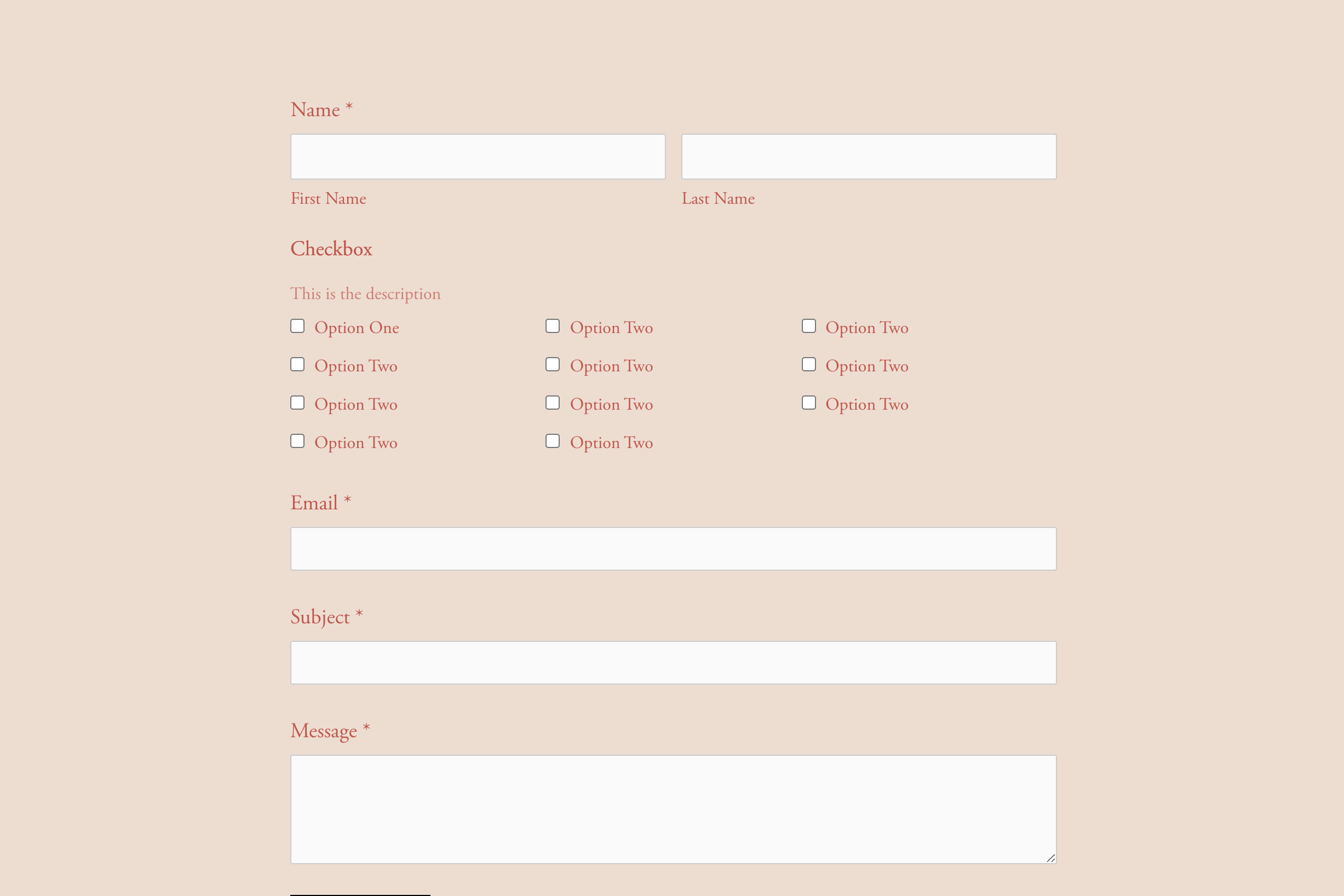
Form checkbox options arranged in a responsive grid layout instead of the default vertical stack.
The Problem It Solves
Default checkbox fields stack vertically, taking excessive space. This technique arranges options in columns using CSS Grid for more compact, scannable forms.
Perfect For
Service selection forms, Multi-option surveys, Contact forms, Booking forms, Quiz interfaces.
What Makes This Different
CSS Grid creates multi-column layouts with legend and description spanning full width. Grid-column property ensures proper element placement.
Details
Section Type: Fluid & Classic
Code Type: CSS
Prerequisites: Form Block with checkbox field
Toolkit Title: Checkbox in Grids
Learn This Technique
This is one of 150+ code techniques taught inside Standout Squarespace, where you get:
The complete, copy-paste code
Video walkthrough explaining how it works
The principles behind the technique so you can customize it
Access to our private community for support